

With so many models available, shopping for the best iPad can feel overwhelming. Whether you need a powerhouse for creative work or a budget-friendly option for streaming and browsing, there’s an iPad that fits your needs. The key is matching specs and features to how you’ll actually use it.
Apple has released dozens of iPads, including the Air, mini and Pro lineups. Here’s a roundup of the 10 best iPads for professionals, students, creatives and screen addicts alike.
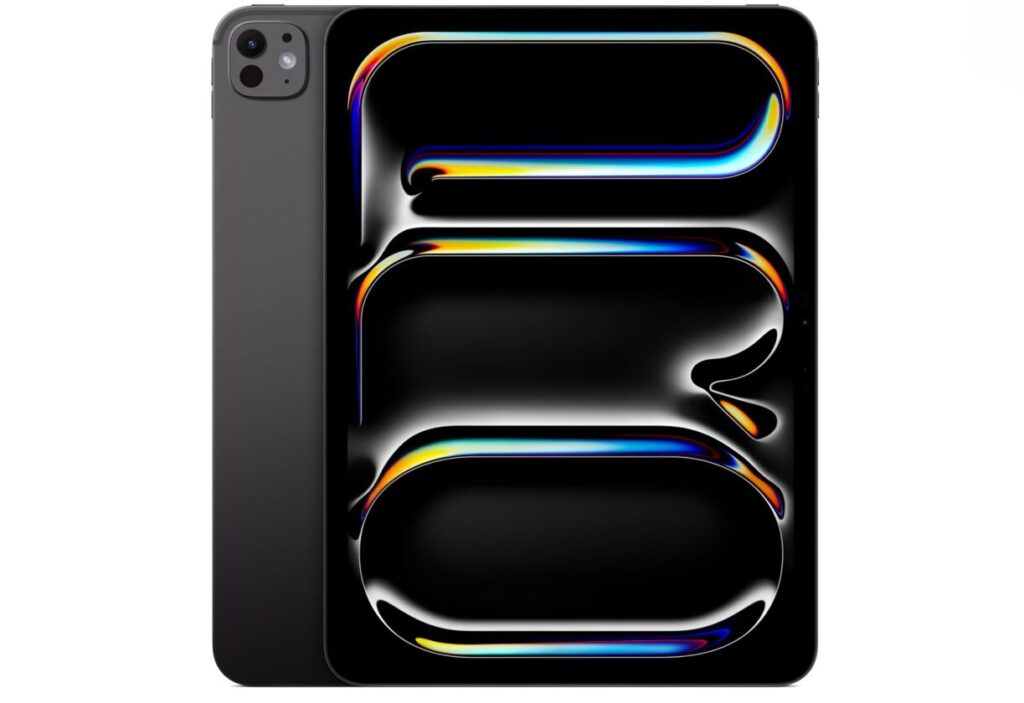
Powered by the M5 chip, the iPad Pro is the most powerful in Apple’s lineup yet. It has four studio-quality microphones and speakers that deliver exceptional audio for video calls and media consumption. The Ultra-Retina XDR display comes with nano-texture glass, which reduces glare without adversely affecting contrast or image quality.
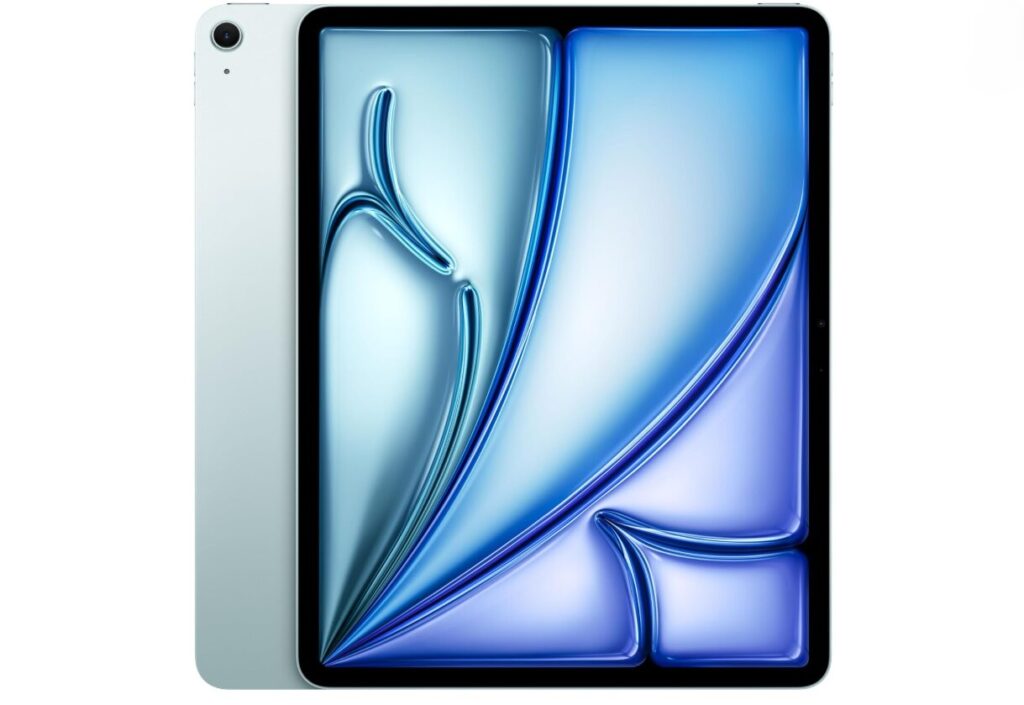
The iPad Air offers the perfect balance of price, performance and modern features. Its 13-inch laminated display is antireflective and fingerprint-resistant, making it ideal for drawing and note-taking.
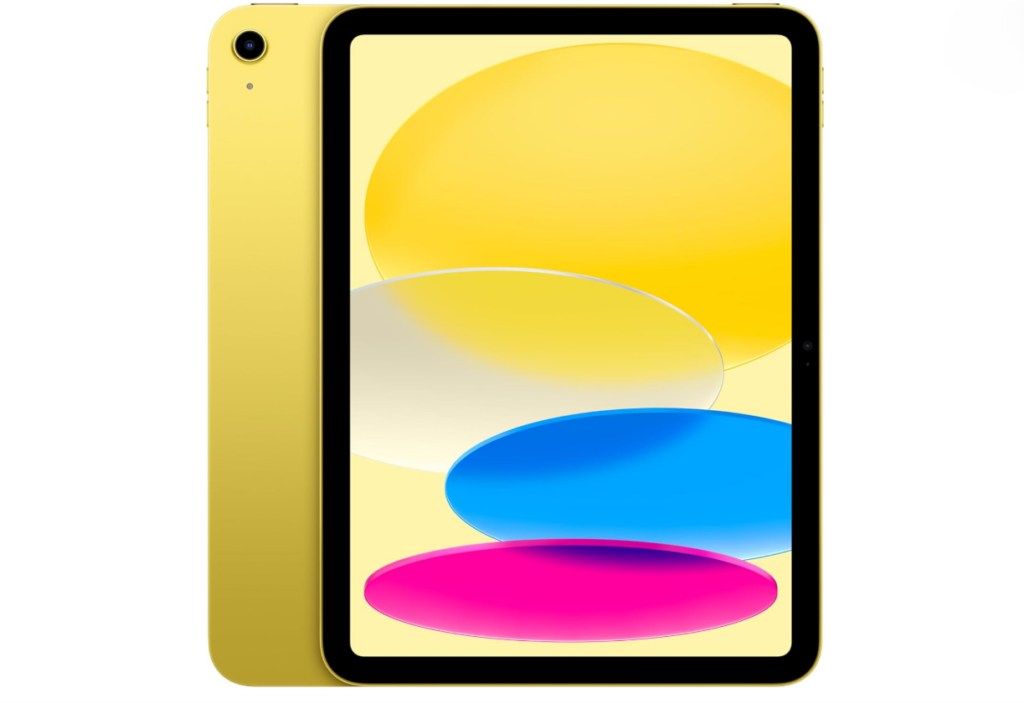
This entry-level iPad is perfect for basic tasks like streaming, email and web browsing.
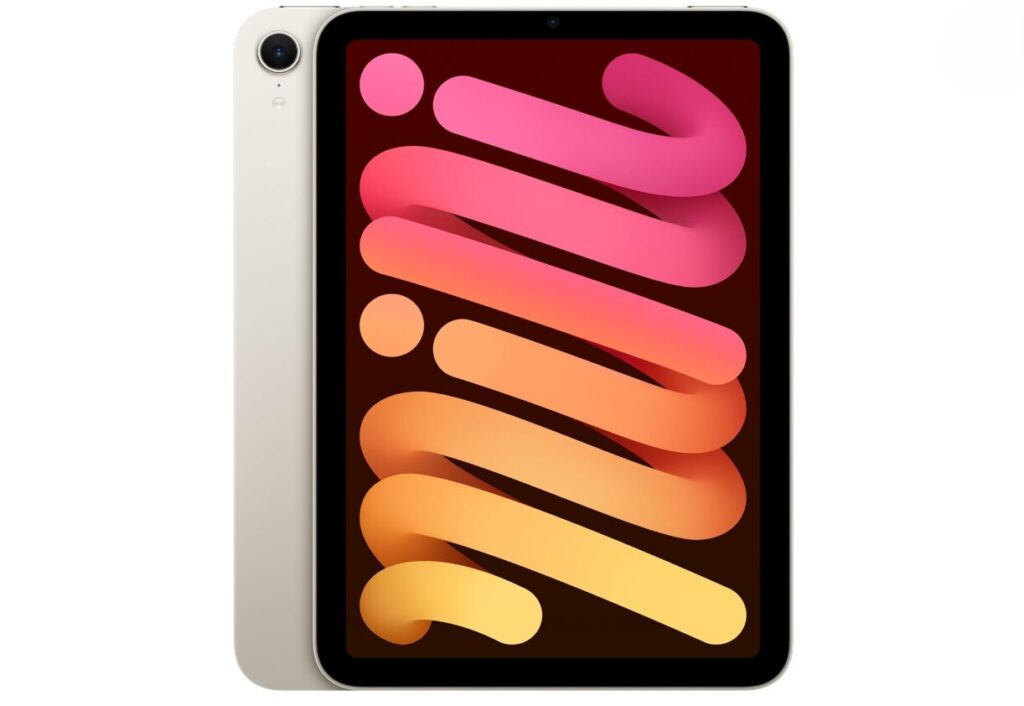
The iPad mini is ultra-portable. This model’s A17 Pro chip packs a lot of power into a small form factor, making it great for gaming and reading on the go. Thanks to the all-screen design, its 8.3-inch Liquid Retina display doesn’t feel small.
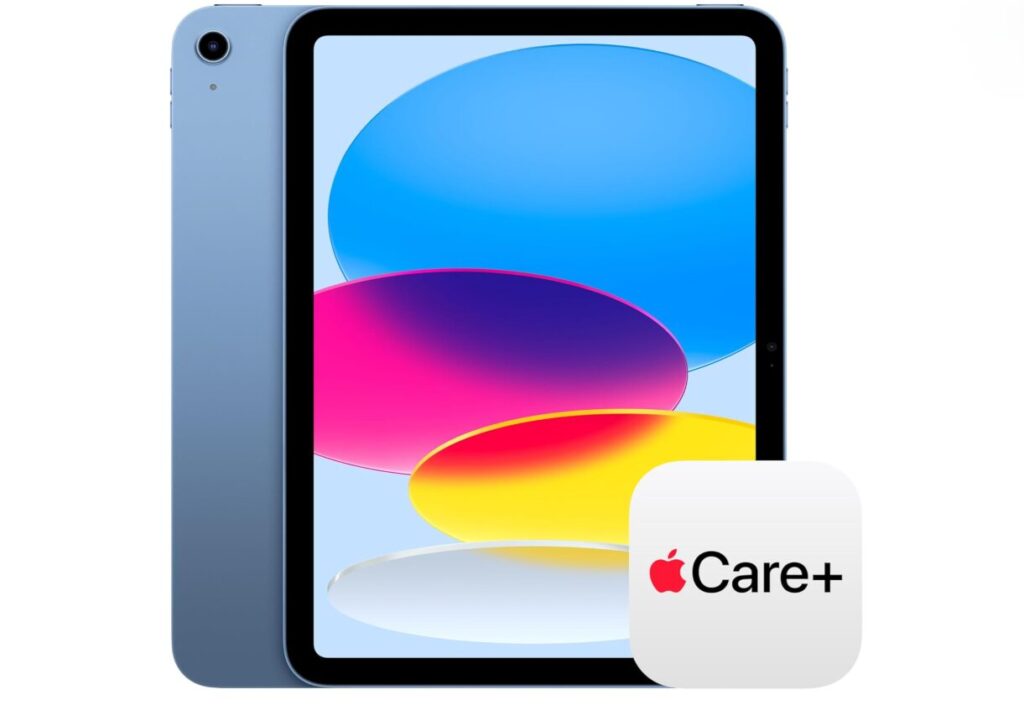
If you’re prone to drops or spills, combining the most affordable current-gen iPad with AppleCare+ gives you peace of mind for years to come.
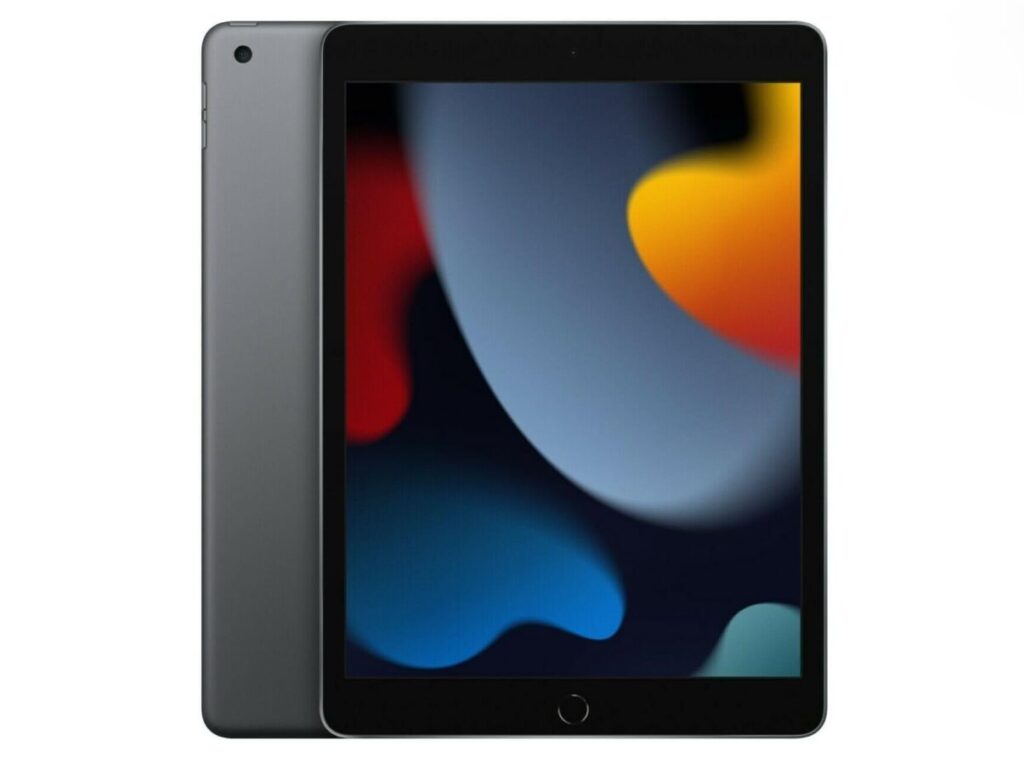
This older, renewed model is a highly affordable option for freelancers who just need basic editing and messaging capabilities.
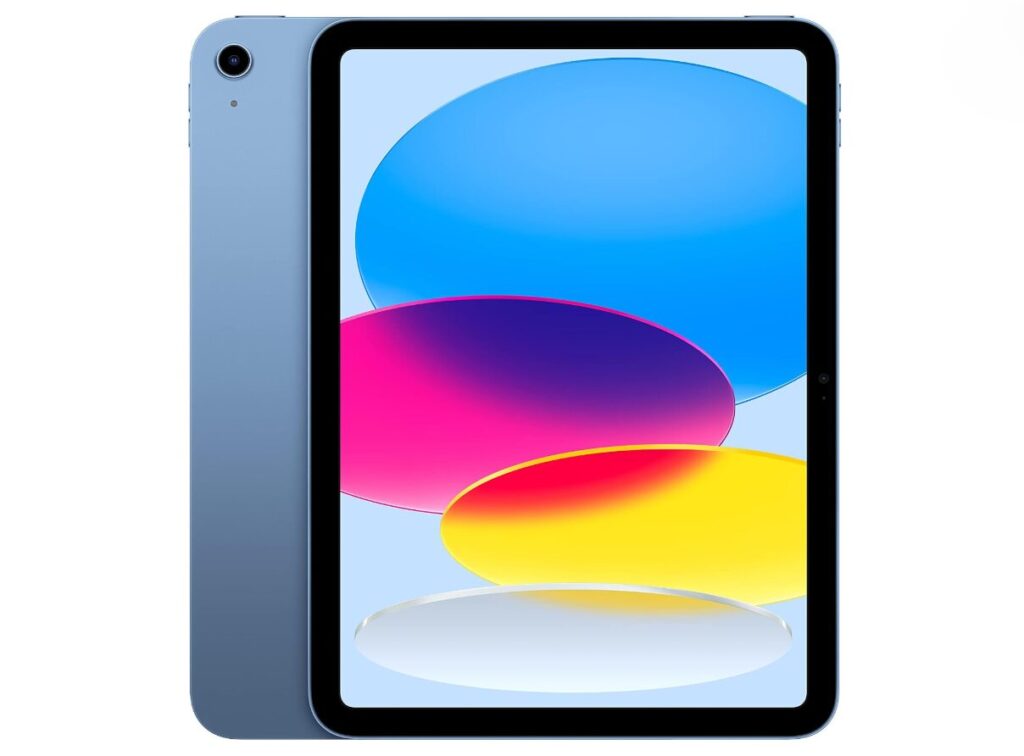
Buying the 2022 model under Amazon’s Renewed Premium tier gives you pro-level features at a massive discount with a great warranty.
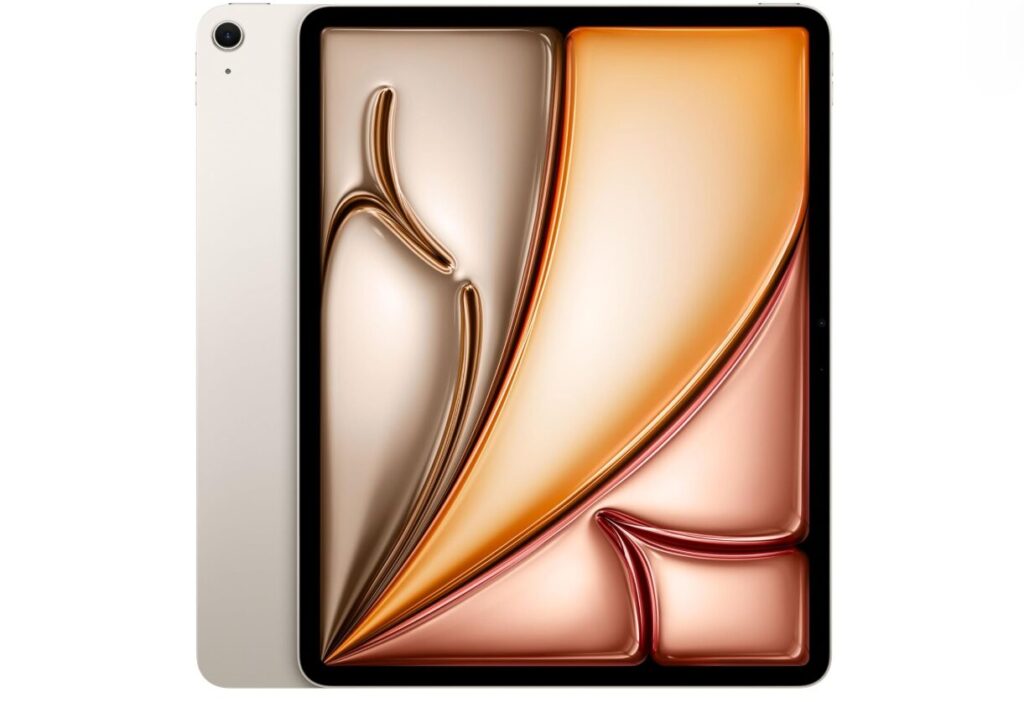
The M3 iPad Air is the ultimate value play, offering a desktop-class chip at a lower price point now that the M4 is out.
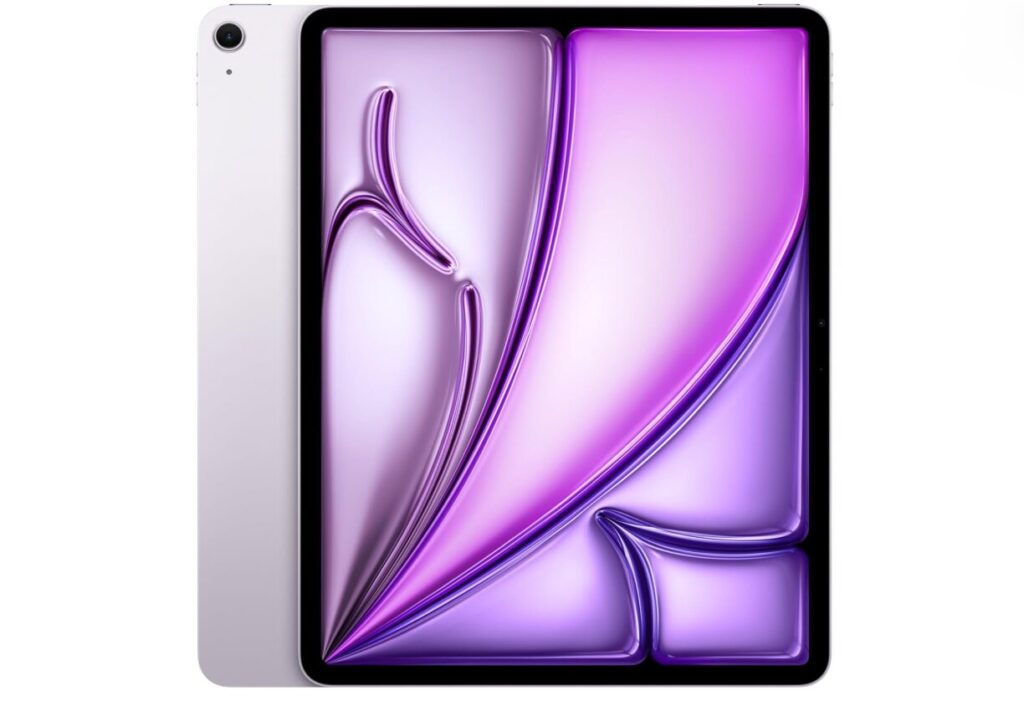
The M2 Air is still incredibly powerful for everyday tasks, and getting it Renewed Premium ensures it feels brand-new.
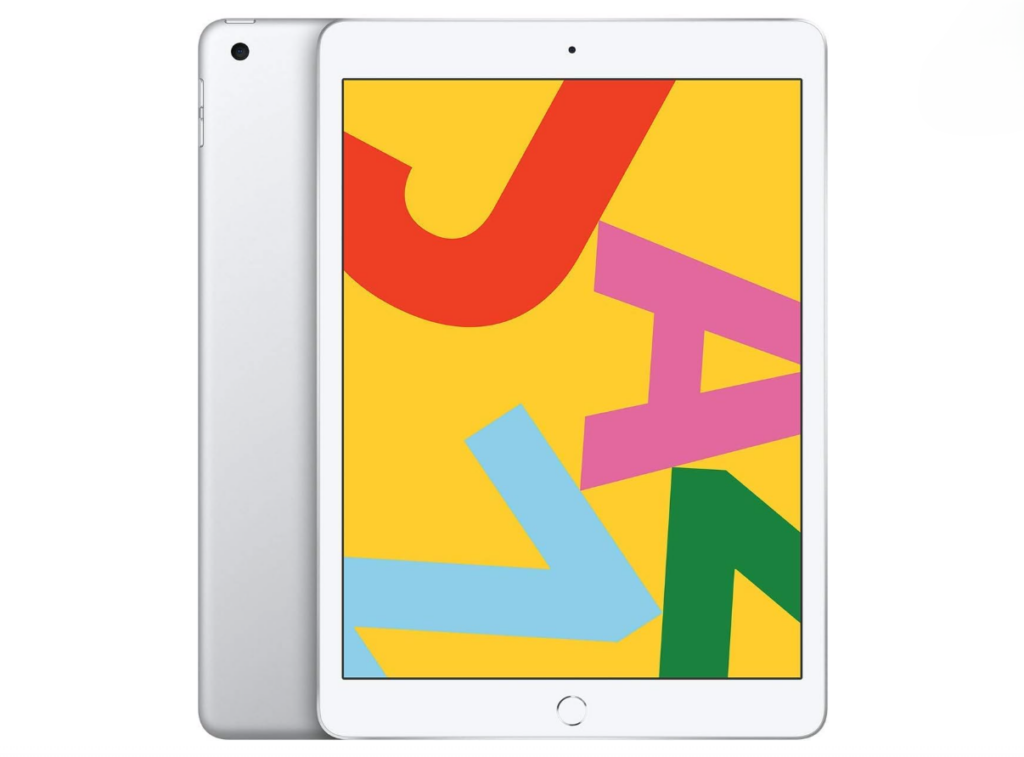
This is the absolute cheapest entry point into the iPad ecosystem for those on a tight budget.
Choosing between iPads becomes easier when you compare their core specifications side by side. Display quality, brightness, storage capacity and camera capabilities vary significantly across models. Understanding these differences helps you identify which features matter most for your intended use.
The biggest differentiator in 2027 is Apple Intelligence, Apple’s suite of AI-powered features. The iPod Pro, Air and mini models are designed for this technology, with features like live translation and image generation.
Apple Intelligence released in October 2024 and requires newer chips like the M3, M4, M5 or A17 Pro to run. If you want access to advanced AI capabilities, you’ll need to choose a compatible model.
| iPad Model | Display Type | Storage Options | Camera | Video Quality | Accessory Support |
| iPad Pro 11-inch (M5) | Ultra Retina XDR | 1TB and 2TB | 12MP Wide | 4K at 60 fps | Apple Pencil Pro and Magic Keyboard |
| iPad Air 13-inch (M4) | Liquid Retina | 256GB, 512GB, 1TB and 2TB | 12MP Wide | 4K at 60 fps | Apple Pencil Pro and Magic Keyboard |
| iPad 11-inch (A16) | Liquid retina | 128GB, 256GB and 512GB | 8MP Wide | 1080p HD at 30 fps | Apple Pencil Pro and Magic Keyboard |
| iPad mini (A17 Pro) | Liquid Retina | 128GB, 256GB and 512GB | 12MP Wide | 4K at 60 fps | Apple Pencil and Bluetooth keyboard |
| iPad 11-inch (A16) With AppleCare+ | Liquid retina | 128GB, 256GB and 512GB | 8MP Wide | 1080p HD at 30 fps | Apple Pencil and Magic Keyboard |
| iPad 10.2-inch (2021) | LED-backlit retina | 64GB and 256GB | 12MP Wide | 1080p HD at 30 fps | Apple Pencil (first generation) |
| iPad 10.9-inch (2022) | Liquid retina | 64GB and 256GB | 12MP Wide | 4K at 60 fps | Apple Pencil |
| iPad Air 11-inch (M3) | Liquid retina | 128GB, 256GB, 512GB and 1TB | 12MP wide | 4K at 60 fps | Apple Pencil Pro |
| iPad Air (M2) | Liquid retina | 64GB and 256GB | 12MP Wide | 4K at 60 fps | Apple Pencil |
| iPad 10.2-inch (2020) | LED-backlit retina | 32GB and 128GB | 8MP | 1080p HD at 30 fps | Apple Pencil (first generation) |
Start by evaluating how you’ll actually use your iPad. Artists and designers benefit from larger displays and Apple Pencil support, while casual users might prefer something more compact and affordable. Consider whether you’ll primarily use it for work, entertainment or a mix of both.
Storage needs vary widely depending on your habits. If you download lots of movies or work with large files, opt for at least 256GB of storage. Cloud storage users can get by with less.
Budget plays a crucial role, too. Newer models offer flashier features and more processing power, but they come with higher price tags. Older models work great for basic tasks and cost significantly less, though they receive fewer software updates over time.
Generally, you should avoid older models that will no longer receive software updates or lack Apple Intelligence support if you want future-proofing. Models from 2019 and earlier are reaching the end of their useful life. They may still function, but compatibility issues with new apps will become increasingly common.
Skip any iPad that doesn’t meet your minimum storage needs. A 32GB model might seem affordable, but you might quickly run out of space. It’s better to invest a bit more up front than deal with constant storage warnings.
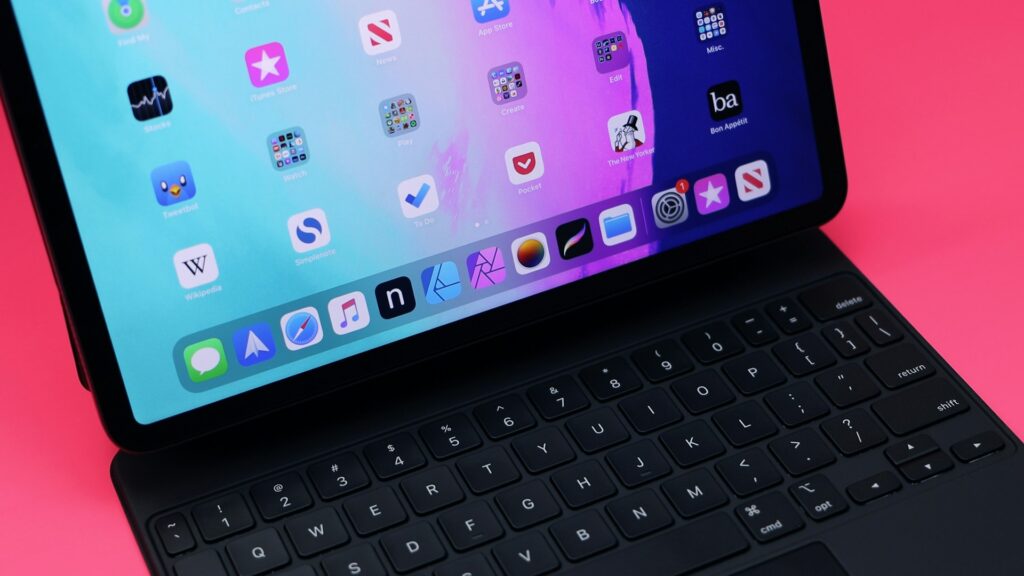
The right accessories can make your iPad more powerful, secure or easier to use. In addition to a charger, consider getting an Apple Pencil, case, keyboard, adapter and AirTag.
The Apple Pencil is essential for artists and note-takers. It offers precision and pressure sensitivity that transform your iPad into a professional drawing tablet. A full charge lasting 12 hours means you can work all day without interruption.
Even if you get a renewed version, an iPad is a big investment worth protecting. A case and screen protector guard against scratches, cracks, dents and cosmetic damage. Check out the best iPad cases to find one that matches your style and protection needs.
A compatible keyboard like the Magic Keyboard is great for users who plan to write heavily or use the iPad as a laptop replacement. Some models support Bluetooth keyboards.
A USB-C multiport adapter is a must-have for connecting external drives, monitors or SD cards. This hardware is useful for group projects or creating digital art on commission.
We recommend attaching an AirTag to your bag or case to ensure your iPad is never lost. It shows you where your iPad is at all times through the Find My app.
Here are answers to common concerns buyers have when shopping for a new or used iPad.
Amazon Renewed products undergo strict quality testing and come with a reliable guarantee. All items include a minimum 90-day satisfaction guarantee for refunds or replacements. Batteries are guaranteed to have at least 80% of their original capacity.
The M4 Air is widely considered the best overall choice for most users. However, based purely on tech specs, the iPad Pro with the M5 chip is the strongest option available.
Cases and keyboards provide the highest immediate return on investment for average users. The Apple Pencil is essential for creatives who want to make digital art.
AppleCare+ is highly recommended if you plan to travel heavily with your iPad or are prone to dropping your devices. The coverage pays for itself after just one repair.
You don’t need the newest model to enjoy your experience. The right iPad depends entirely on your budget and how you plan to use it.
Newer models have more advanced features and better performance, but cost more. Older models handle everyday tasks well and are more affordable, though they receive fewer software updates. Evaluate each model’s specifications against your actual needs rather than chasing the latest release. Any one of these iPads is a great option when matched to the right use case.