
Programming a universal remote becomes fairly straightforward once you understand the basics. Most universal remotes come with a built-in code library that covers thousands of brands and models, while some also include automatic programming features. Others allow manual input or even learning functions where the remote copies commands directly from your original remotes. Whichever type you have, this guide shows you how to program a universal remote in five easy steps.
Auto code setup is the fastest and simplest way to program a universal remote. It allows the remote to automatically cycle through possible codes until it finds one that works with your device.
Remote controls use near-infrared light of around 940 nanometers to transmit encoded commands. In auto code search mode, the remote uses this signaling system to rapidly send different code combinations until the device responds.
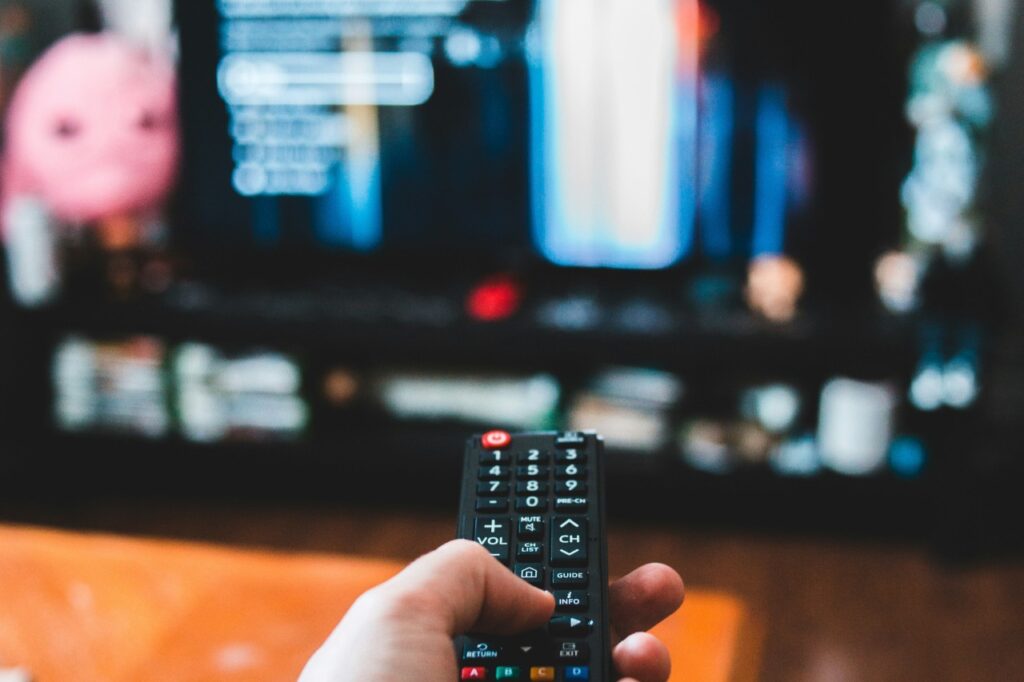
Manual code entry is the next most reliable method. It is especially useful when you already know your device brand, or when auto-search takes too long or fails to produce consistent results.
Use up and down arrow keys to resize the meta box pane.
For example, Xfinity remotes follow a similar code-based setup when pairing with a Samsung TV. In most cases, you’ll need a manufacturer-specific code. Try code 10812 for the XR2 model or test 12051 for the XRA, XR5, XR11 and XR15 models.
Some universal remotes allow programming by selecting the device brand directly from an internal database. It is particularly useful when you want a faster setup than trial-and-error code entry. This method also reduces frustration by limiting the number of possible configurations the remote has to test.
Some advanced universal remotes come with a learning feature that copies signals from your original remote. It is usually suitable for niche electronics or customized control setups where standard programming may not fully replicate all functions.
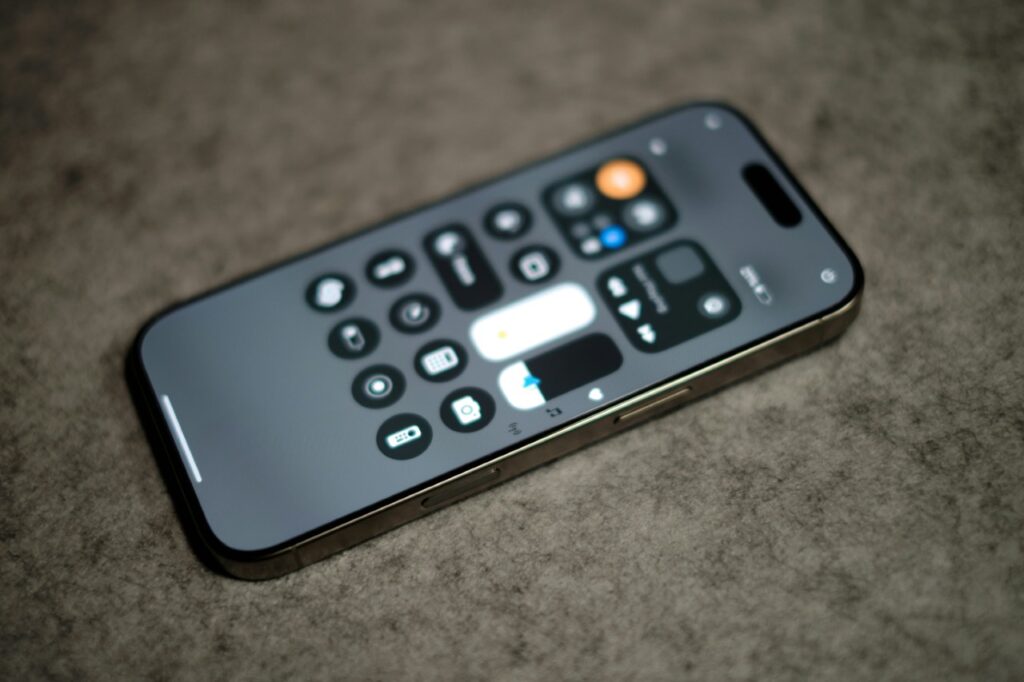
Modern universal remotes often use apps or wifi instead of manual codes. They are common in smart home ecosystems where users have already connected their devices to wifi or Bluetooth. Convenient and user-friendly, the remote and its companion app usually support advanced features like voice control and automation.
If your universal remote isn’t working properly after programming, there are several common issues to check. First, confirm that the batteries are fresh and that you have installed them properly. Weak power is one of the most frequent causes of failure.
Next, ensure you are using the correct device mode, as many remotes have separate buttons for TV and other devices, with each remote controlling only its selected mode. If you accidentally switch modes, it may seem like the programming has failed.
Also, double-check that you are using the correct code or that the auto search completed successfully. If only some buttons work, try reprogramming using a different code from the list. In some cases, all codes may not support certain functions, so trying multiple options can improve compatibility.
Finally, ensure nothing blocks the device sensor, as infrared signals need a clear path to work properly. Even small objects in front of the sensor can weaken or interrupt the signal and cause inconsistent performance.
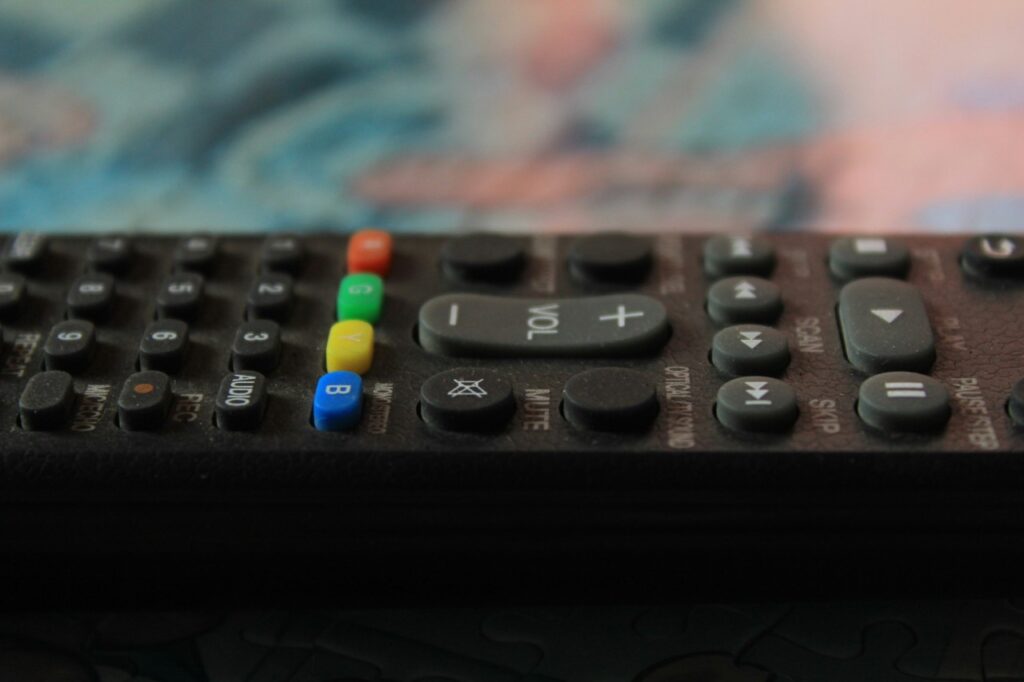
It usually doesn’t take long to set things up once you have the right code. In most cases, programming a universal remote takes about one to three minutes per device. The process is often quick enough that you can finish pairing a TV or sound system in just a couple of attempts, especially when the correct code works on the first try.
To get the best experience from your universal remote, keep a few best practices in mind.
Taking a few extra seconds to double-check the device mode, battery condition and correct pairing method can help prevent common issues before they start. Once you have programmed a universal remote properly, it should work smoothly and consistently with minimal adjustments needed over time.
Learning how to program a universal remote can simplify your home entertainment setup and reduce clutter from multiple controllers. The process may take a few minutes of trial and error. But once you have properly configured the remote, you can enjoy seamless control over all your entertainment systems from a single handheld device.