
Mechanical keyboard switches are the individual mechanisms beneath each keycap that register keystrokes when pressed. They are pivotal to how a keyboard feels, sounds and responds during typing or gaming.
However, choosing a first keyboard can feel confusing when terms like linear, tactile, actuation force and hot-swappable enter the conversation. Understanding these basic concepts makes it easier to compare mechanical keyboard switches and find an option that matches your preferences.
Mechanical keyboard switches generally fall into three main categories based on how they feel and sound during a keypress. Understanding these differences gives beginners a useful starting point when comparing switches for gaming, typing or everyday use.
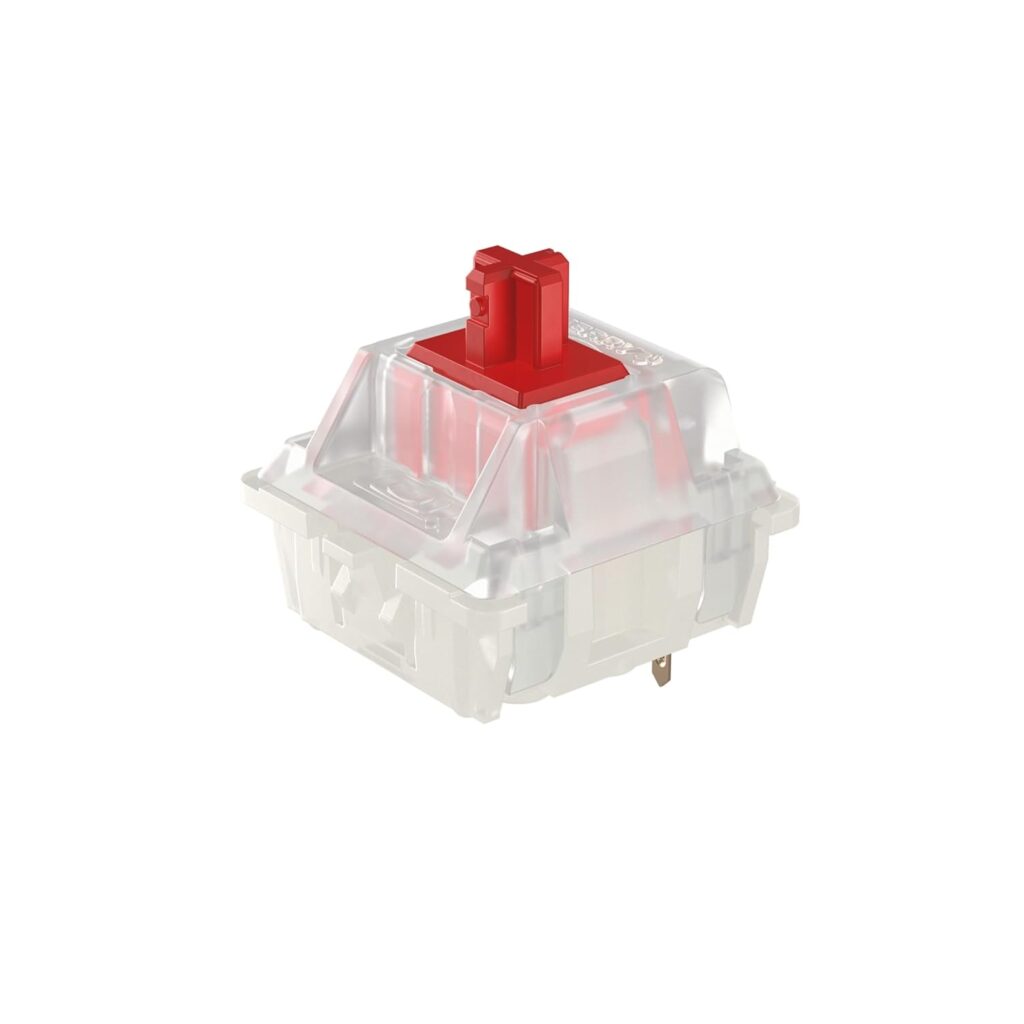
Linear switches provide a smooth, uninterrupted keypress without a noticeable tactile bump. They maintain the same feeling throughout the entire keystroke because there is no tactile feedback until the switch bottoms out.
This consistent movement can work well for gaming, particularly when players need rapid or repeated keypresses. Popular options include Cherry MX Red and Gateron Yellow switches. However, factors such as switch weight, actuation force and travel distance can still create noticeable differences between individual linear switches.
Buy Cherry MX Red switches on Amazon
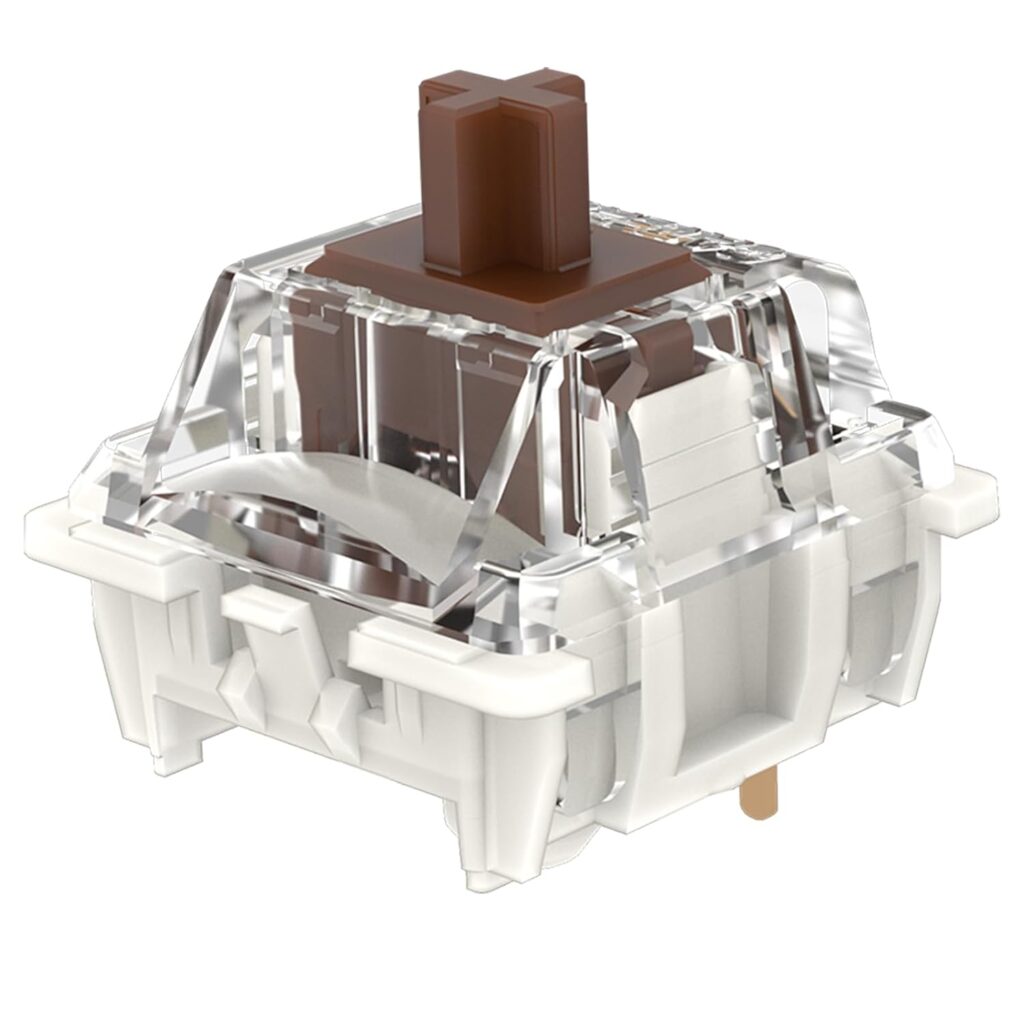
Tactile switches provide a noticeable bump during a keypress, creating physical feedback as the switch activates. This haptic sensation assures the user that the keystroke has registered and the switch has worked.
As a result, users can recognize actuation without pressing the key completely down. This balance of feedback and responsiveness makes tactile switches a versatile choice for typing, productivity and gaming. Popular examples include Cherry MX Brown and Gateron Brown.
Buy Gateron Brown switches on Amazon
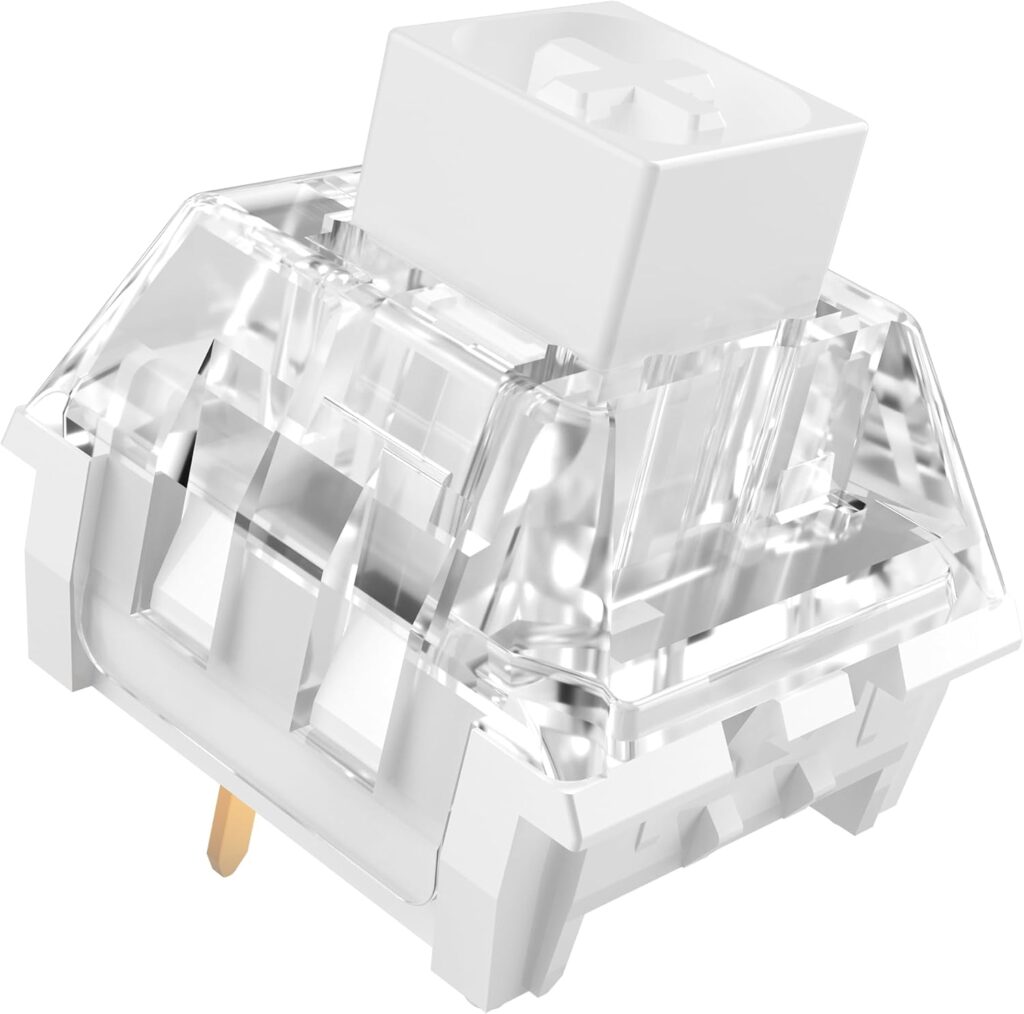
Clicky switches combine a noticeable tactile bump with an audible click when the key activates. Among the three main types of mechanical keyboard switches, they provide some of the most distinct physical and audible feedback.
Many typists enjoy this combination because it creates a satisfying, classic mechanical keyboard experience. Cherry MX Blue and Kailh Box White are two popular examples. However, their louder sound can make clicky switches less practical in shared offices, classrooms or late-night setups.
Buy Kailh Box White switches on Amazon
Mechanical keyboard specifications include several terms that describe how a switch behaves during each keypress. Understanding these terms can help beginners compare switches and determine which features best match their preferences.
Actuation force refers to the amount of force needed for a switch to register a keypress. Switch springs can vary in weight, making the required force heavier or lighter, with measurements commonly specified down to the gram.
Lighter switches may feel faster and require less effort, while heavier switches can help reduce accidental keypresses. Still, the lowest actuation force does not automatically provide the best experience. Personal comfort and typing habits should guide the final choice.
The actuation point marks the distance a switch travels before the keyboard registers the keystroke. Full travel distance measures how far the key can move from its starting position until it bottoms out.
A shorter actuation distance can create a faster, more responsive feel because the key registers earlier in its movement. However, faster specifications do not automatically make a switch better for every user. Typing habits, comfort and the risk of accidental inputs can make a longer actuation distance preferable.
Pre-travel, also called actuation distance, describes how far a key moves before the keystroke registers electronically. Bottoming out occurs when the user continues pressing until the switch reaches the end of its full travel.
Typing habits can change how mechanical keyboard switches feel and sound in everyday use. Someone who frequently bottoms out may experience louder keystrokes and greater finger impact, while a lighter typing style can feel quieter and more comfortable.
Switch type contributes significantly to keyboard sound, but it does not determine the entire sound profile. Each type provides a different feel and sound while typing, so the ideal choice ultimately depends on personal preference.
Housing materials, springs, factory lubrication and internal switch construction can all change the sound of a keystroke. Other components also matter, including the keycaps, keyboard case, plate, mounting system and even the desk surface underneath the board.
Enthusiasts often describe keyboard sounds using terms such as “thocky,” “clacky,” “creamy” and “marbly.” However, these descriptions lack standardized definitions so that the same term can mean slightly different things to different users.’
Hot-swappable keyboards allow users to remove and replace compatible switches without soldering. If a switch fails, the user can pull it out and install a replacement, potentially extending the keyboard’s useful life significantly. Hot-swap support also gives beginners an easy way to experiment with different switch types, weights and sounds.
Common 3-pin switches use two metal pins and one central plastic post, while 5-pin switches add two plastic stability pins for extra support. However, compatibility varies between keyboards and hot-swap sockets. Buyers should confirm whether a keyboard supports 3-pin, 5-pin or specific switch technologies before purchasing new switches.
Different activities place different demands on mechanical keyboard switches, so intended use provides a practical starting point. Comfort, sound and responsiveness should guide the final choice rather than specifications alone.
Choosing mechanical keyboard switches ultimately depends on preferred feel, sound, typing habits and intended use. Beginners can experiment with different options instead of relying solely on switch colors, technical specifications or online recommendations. Understanding the basic switch types and terminology makes exploring the mechanical keyboard hobby much easier and more approachable.