
QR codes make everyday tasks faster and easier. However, that convenience can also expose you to a growing scam known as quishing. Before you scan your next code, it’s important to understand how these attacks work and how to protect yourself.
Quishing is short for “QR phishing.” It’s a cyberattack where criminals use malicious QR codes to trick you into visiting fake websites and revealing your personal data or downloading malware.
It works just like traditional phishing, which is the most common attack vector, but instead of clicking on a suspicious email link, you scan a QR code.
Quishing is a form of social engineering, as attackers don’t need to break into your device directly. Instead, they manipulate you into taking an action that compromises your own security and privacy.
The key difference is that you can usually see a suspicious email link before clicking it. With a QR code, however, the destination stays hidden until after you scan it. This extra level of invisibility makes quishing especially effective.
With 79% of account takeovers beginning with phishing, it’s important to understand how it and its variants work. Quishing attacks in particular follow a predictable pattern.
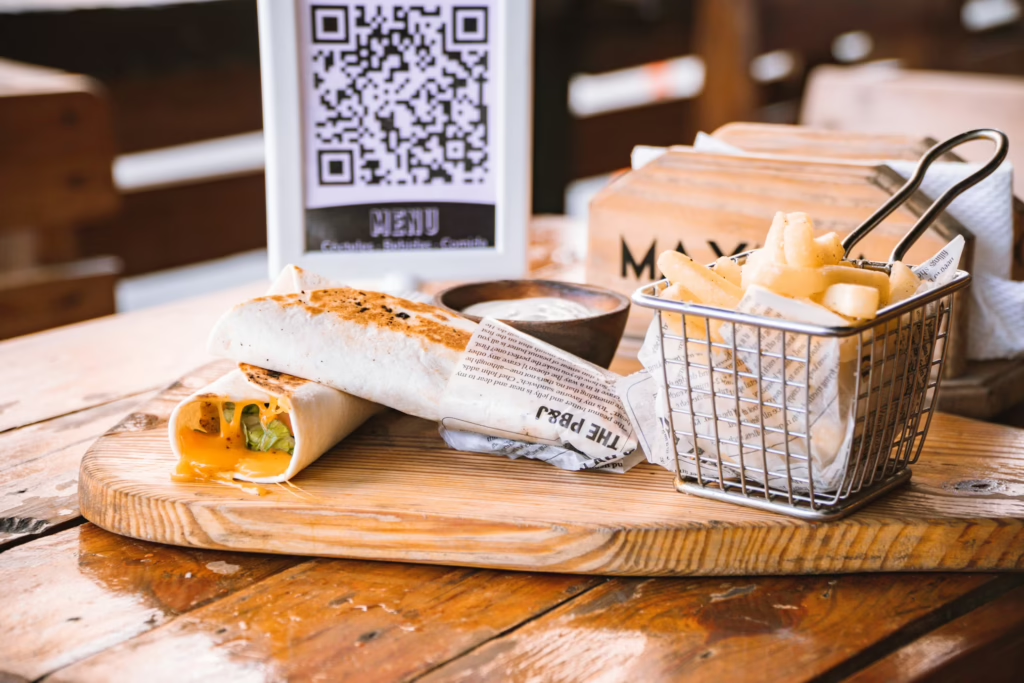
Everything looks normal at first glance. The attacker places a malicious QR code somewhere you’re likely to scan it. These places could include a restaurant table, a parking meter, a public bulletin board or inside a phishing email. In some cases, scammers can print a sticker and place it above a legitimate QR code.
You scan the code expecting something mundane, like a menu or login screen. QR codes are pretty ubiquitous, and your guard may be down, so scanning feels harmless.
Instead of sending you to a legitimate website, the code directs your browser to a fraudulent page that the attacker controls. These fake websites might look like convincing replicas of real brands, save for a typo in the web address that you might not notice at first.
Once you’re on the fake site, it might ask you to enter sensitive information, like login credentials or credit card numbers. In some cases, the page may trigger a malware download. The moment you submit your information, it goes straight to the attacker.
Malicious QR codes are great at blending in, but they also have some tell-tale signs. Before scanning anything, here are some red flags to look out for:
A good rule of thumb is to pause if something feels rushed or out of place.
These simple yet consistent habits can help you stay safe from quishing attempts.
Most modern smartphones show a URL preview after you scan a QR code. Check it carefully for spelling errors, strange domain names, extra characters or shortened links. If it doesn’t exactly match the official website, don’t tap it. Even a small typo in the domain name can indicate you’re being redirected to a fraudulent site.
Codes posted on bulletin boards, flyers, restaurants or street signs can easily be tampered with. If possible, type the official website address into your browser instead of scanning. Public locations are common targets because attackers know many people will scan without thinking too much about it.
If a QR code takes you to a login page or payment form, pause. Don’t enter passwords, banking details or one-time verification codes unless you are completely sure the site is legitimate. If you really need to log in, close the page and navigate to the company’s official site manually.
Some security apps include QR scanning features that check links against known malicious domains before opening them. While not entirely foolproof, this feature adds some extra protection by flagging suspicious URLs before you interact with them.
Check whether the QR code appears to be a sticker placed over another code. Crooked placement or peeling edges can be red flags. A quick visual inspection can stop you from scanning a fake QR code from a scammer.
The fastest cybercrimes take effect within 27 seconds, so it’s important to act quickly when you realize you’ve scanned a malicious code. Don’t panic. The faster you respond, the better your chances of limiting damage.
Immediately turn on airplane mode or disable wifi and mobile data. This step can stop malware from communicating with an attacker’s server and prevent further data transmission. If you downloaded a file after scanning, avoid opening it and keep your device offline until you assess the situation.
Use a trusted antivirus app to perform a full device scan. If it finds malware, follow the removal instructions carefully and restart your device when the scan is complete.
If you entered login credentials on a suspicious website, change those passwords immediately. Start with the affected account, then update any other accounts that use the same or similar passwords to be safe. It’s best to enable multi-factor authentication (MFA) wherever possible to add an extra layer of protection.
If you entered credit card details or banking information, contact your bank or card provider right away. Inform them of potential fraud and ask them to monitor your account for unusual activity. They may recommend freezing or replacing your card to prevent unauthorized transactions.
Quishing works because it relies on habit and trust. Slowing down and staying alert can help you significantly reduce your risk. The next time you see a QR code, take a moment to check for legitimacy before you scan.









