For decades, gaming was restricted to whatever hardware it ran on. Yet, Steam has changed that with its Remote Play option, allowing gamers to turn powerful PCs into personal gaming clouds. Today, you can stream an intense RPG game to a light laptop in bed, or even invite a friend from another company to join a multiplayer session.
To understand how Steam Remote Play works, one must look past the interface and into the pipeline, from the rapid-fire sequence of capturing to the decompression of data. It is a masterclass in low-latency data transmission.
Steam Remote Play is a server-client relationship. The host is your primary gaming PC, which does the technical heavy lifting, utilizing its GPU to render the game’s graphics and its CPU to process the game logic.
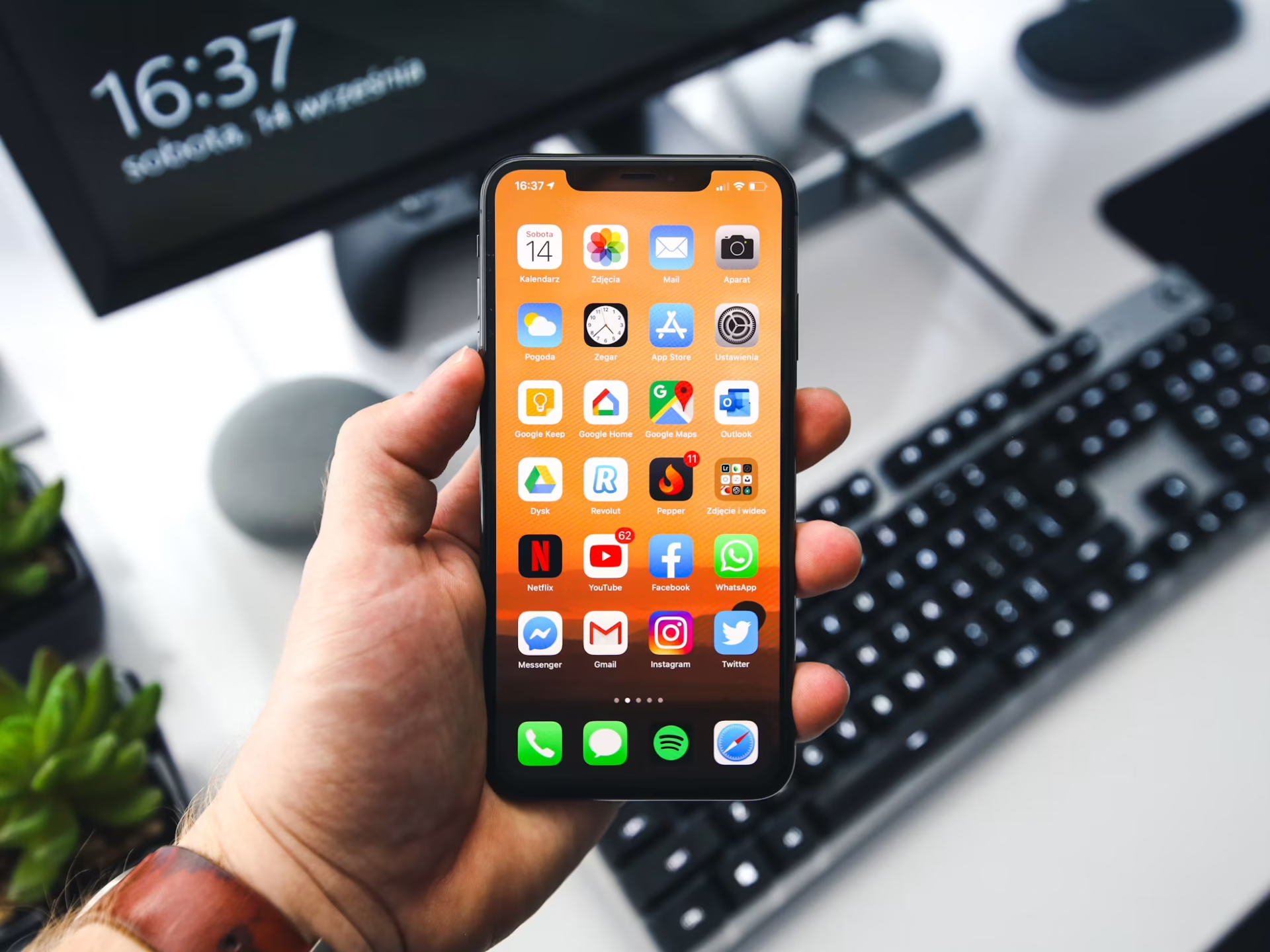
The client is the device in your hands, which could be a Steam Deck, phone, tablet or laptop. The client doesn’t require an advanced graphics card—it just needs to be able to decode video and send input data back to the host.
Every time you hit the Play button on a remote device, Steam launches the game on your host PC in a headless or background state. One impressive feat is the smoothness between the host and the server, with almost no lag.
The process begins on the host PC. As the game renders a frame, Steam’s “In-Home Streaming” service intercepts the video and audio signals. Instead of just sending these signals to the monitor plugged into the PC’s back, Steam grabs the frame buffer directly from the GPU.
Steam uses hardware encoding to improve efficiency. Modern GPUs from NVIDIA and AMD have dedicated circuits for video encoding. Steam leverages this technology, offloading the task to GPUs’ dedicated hardware rather than the general-purpose CPU. Steam can compress the game footage into a video stream with minimal impact on the game’s performance.
Once the frame is compressed into a data packet, it is sent to the client. This is where your home’s internet connection becomes the key factor.
Steam Remote Play primarily uses the User Datagram Protocol (UDP) for transmission. Unlike TCP, which checks that every packet arrives and requests retransmission if one is lost, UDP prioritizes speed. If a frame of video is lost in transit, Steam moves on to the next frame, ensuring the game always feels in real time.
Steam also dynamically adjusts the bitrate—the amount of data sent per second—based on your network’s bandwidth. A high bitrate means crisp and accurate pixels, while a low bitrate entails blockier or more pixelated visuals, but with lower latency.
When data packets arrive at your device, the client must decode the video stream. Like the host, the client uses hardware-accelerated decoding to convert that data back into a visible image on your screen.
However, the stream is only one aspect of the process. You also need to control the game. This creates the Input Loop:
The time it takes this entire process to complete is what gamers call Latency. In an ideal setup, typically with a wired Ethernet or 5Ghz Wi-Fi, this happens in under 30 milliseconds.
A specialized version of this technology is Remote Play Together. This allows you to play local-multiplayer games with your friends over the internet, even if the game doesn’t support online play.
In this scenario, the host PC serves as the hub. It streams the video to multiple friends simultaneously. Each friend sends their back to the host, basically convincing the game that those inputs are coming from controllers plugged directly into the host machine. The best part is that the host needs to own the game, and the guests just have to join the stream.
Moving forward, Steam has integrated High-Efficiency Video Coding, or HEVC, to achieve the same visual quality as the older H.264 standard but at roughly half the data size.
For users playing over cellular data or on congested home networks, this is a huge deal, as it enables 4K streaming with significantly less lag. Dedicated gamers understand the level of detail and cinematic feel 4K can bring, making this advancement a huge deal in communities.
There are a few common bottlenecks that could cause your party to lose some smoothness.
A weak or unstable network causes the time it takes for packets to arrive to vary. This causes “hitchiness,” where the game looks smooth for a few seconds but suddenly freezes for half a second. The key to fixing this is to switch your Wi-Fi source to an Ethernet Cable or to the 5GHz Wi-Fi band.
If your client device has heavy image processing enabled, such as with a cheap Smart TV, it adds extra delay after the video has already been decoded. This can be resolved by enabling Game Mode on your TV or monitor, which reduces the signal path and lowers latency.
If your host PC is already struggling to run the game at 60 FPS, asking it to also encode a high-definition video stream might push it over the edge. You can address this by lowering the game’s resolution or graphical settings on the host PC to free up resources for the encoder.
Whether you’re exploring the world in Elden Ring from a tablet in a coffee shop or playing Cuphead with a friend from across the ocean, the technology working behind the scenes ensures that the only thing you have to focus on is the game itself, not the cable between you and your computer.