The user interface (UI) encompasses the visual, auditory and interactive components that facilitate human-computer interactions. For decades, designers could only speculate what exactly users would look at and in what order. Today, eye-tracking technology is making it easier than ever for designers to develop more seamless UI. Discover how this technology has unleashed a wave of innovations, and how to start using it.
Innovations in Eye-Tracking
Eye-tracking software has come a long way from lab-grade hardware to everyday webcams. Noninvasive eye-tracking technology, coupled with real-time data processing, became accessible in the 1970s for cognitive and neuroscience researchers. While ground-breaking, this technology was expensive and complex.
Advancements in cameras and processing power have made eye-tracking easier, and AI can automate the entire process. This technology can help reduce manual effort and expertise requirements, and it has been adapted by user experience (UX) researchers and designers. The market is projected to grow from an estimated USD 638.8 million in 2021 to USD 8.06 billion by 2030.
Modern eye-tracking solutions can use standard webcams to track users’ eye movements based on heat maps and gaze plots. It can pinpoint the areas on a UI that are most engaging, as well as those that are most confusing or redundant. This visual data can inform more streamlined and accessible layouts.
Eye-tracking technology is applicable to both software and hardware interfaces. For software, this includes websites, mobile applications and dashboards. For hardware, it extends to vehicle displays, ATM screens and appliance interfaces.
3 Breakthroughs Pushing UX Boundaries
This scalable technology is changing the way users experience interfaces. While applications are broad, here are three of the most significant breakthroughs.
1. AI-Powered Predictive Eye-Tracking
AI models can now predict gaze with high accuracy, even with minimal calibration. Gaze plots, heatmaps, and scan paths indicate what users notice and what they ignore, and then AI can automatically interpret this data to suggest ways to improve the UI. This makes data-driven design more accessible for teams with limited resources and staff.
A company might use AI-powered eye-tracking to uncover why users are abandoning their shopping carts in a mobile app. Ease of use can be measured by the number of fixations, scan-path length and pupil size. For example, erratic and long scan paths on the shipping information may indicate that the layout is confusing.
Additionally, AI-powered predictive eye-tracking can be applied to automotive safety systems. Several General Motors models feature Driver Attention Assist. A small, driver-facing camera can monitor the driver’s eyes to detect distraction or drowsiness. Based on this analysis, the vehicle can issue an audible alert, such as “Please keep your eyes on the road,” or flash a dashboard icon to indicate it is time for a break.
2. Immersive Insights in AR and VR
Eye-tracking can create realistic experiences in augmented and virtual reality settings. In addition to tracking what captures user attention, eye-tracking software evaluates pupil dilation and blink patterns to measure cognitive load and emotional response.
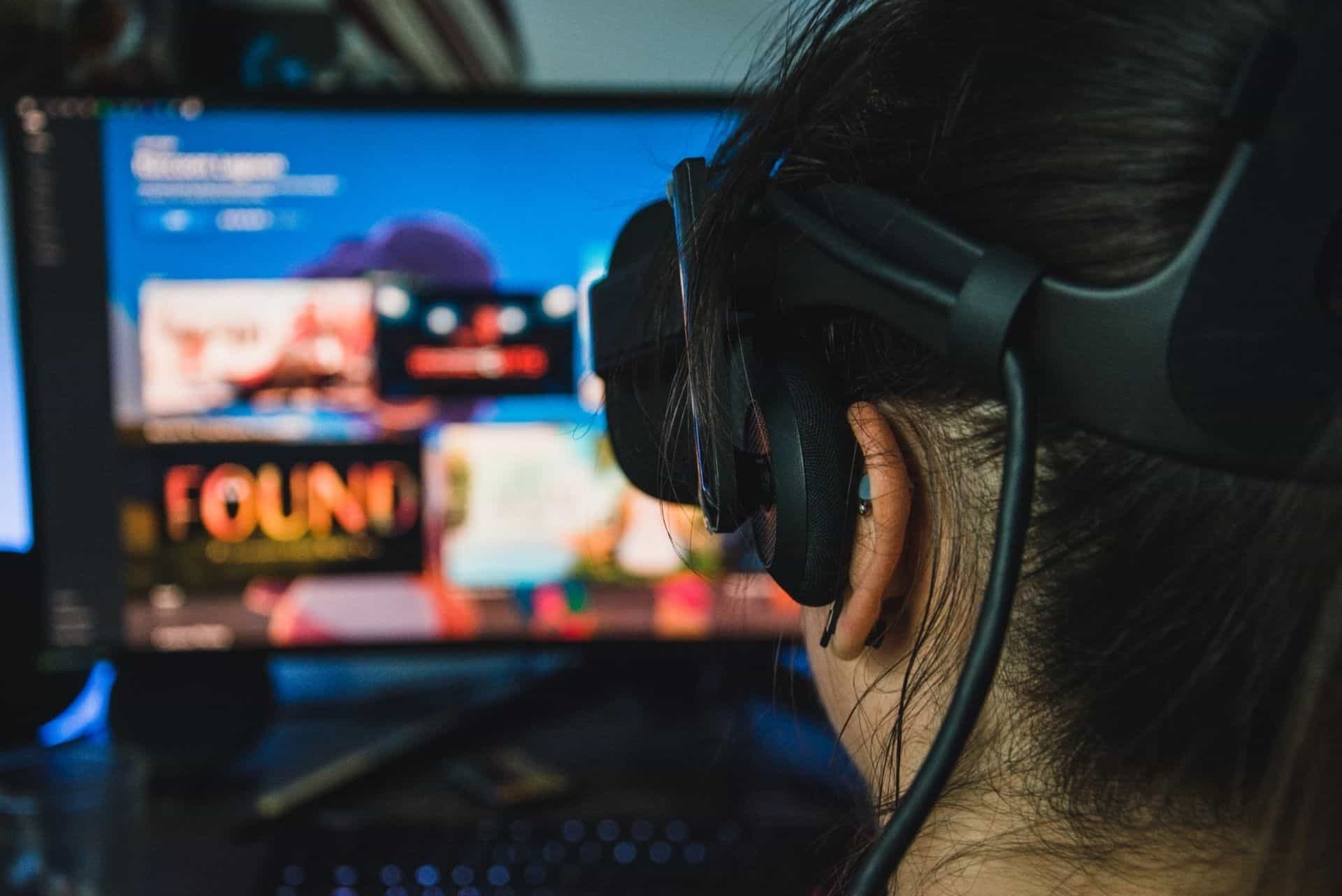
During beta game-play sessions, a developer can see where players become most excited or confused. This analysis can inform how they set up menus, controls, tutorials and more before release. This can decrease frustration. Eye-tracking is also helpful during the gameplay itself. Several VR headsets, including the Meta Quest Pro and Apple Vision Pro, use it to improve navigation and support foveated rendering. Additionally, with eye-tracking, 3D avatars in VR spaces can become more expressive.
Eye-tracking technology also enables users to navigate AR environments solely with their eyes, improving speed and fluidity. Rather than using a mouse or keyboard, users can interact with icons, keys or menu items simply by looking at them. This functional innovation can make computers and communication devices more accessible to users with upper-extremity impairments and similar conditions. Eye-tracking may even open the door for even more advanced vision-controlled assistive technology, such as wheelchairs.
3. In-the-Wild Analysis with Mobile Eye-Tracking
Eye-tracking has become more common on mobile devices, enabling UX testing in real-world contexts. It is particularly useful for A/B testing and conversion rate optimization across industries, such as consumer goods.
Imagine a food delivery app wishes to increase add-on sales, such as a drink or additional side. Developers can add a small banner at the top of the screen that encourages users to add a drink, along with a visually engaging carousel of drink images below the final order placement button. Eye-tracking heatmaps will show where users’ eyes linger, demonstrating which method is more likely to sway users.
These capabilities may lead to the development of more adaptable UIs that rearrange themselves in response to user attention. For example, if a user is struggling to read a large section of text, adaptive eye-tracking software could break it into small chunks or highlight the current sentence a user is reading.
Getting Started with Eye-Tracking for Your Projects
Tech enthusiasts can experiment with eye-tracking for their own website, app and game development. There are free eye-tracking solutions available in 2026, such as GazePointer for Windows and PyGaze for Python. To help you get started, here is a basic step-by-step guide to eye-tracking for UX:
- Determine what kind of data you wish to collect. This might be the first thing users look at on a homepage, or if they notice a new “Settings” icon in a game.
- Grab a small sample size of users, and calibrate your chosen eye-tracking software to their eyes. This teaches the software how their eyes look and move.
- Ask the users to perform a task related to your initial goal or question. Have the software record their eye movements and dilations throughout the process.
- Examine the data using heatmaps and gaze plots. This can demonstrate whether their eyes moved across the screen as intended.
See More Clearly with Eye-Tracking Software
Eye-tracking software, once a niche technology, is becoming a powerful tool for any company or tech enthusiast looking to build better UI. It can provide unbiased feedback that you can then use to improve your UI design and the resulting UX. This approach can foster more intuitive, attention-aware interfaces to benefit most users. Further eye-tracking innovations and use cases are on the horizon.
Recent Stories
Follow Us On
Get the latest tech stories and news in seconds!
Sign up for our newsletter below to receive updates about technology trends