These days, most people use cloud storage to sync files, back up photos and share information. Considering many devices’ limited storage space and the fact that everything is digital, it’s a true must-have. It makes things seamless and saves time. However, with so many options out there, figuring out which service is worth your time can feel overwhelming. This guide gives you a round-up of the best cloud storage solutions for different needs.
Key Considerations When Choosing a Cloud Storage Solution
Before comparing plans and features, it’s essential to know what matters when choosing a cloud storage provider. The right pick can make your digital life easier, more secure and more organized.
Storage Capacity and Flexibility
Think about how much space you need now and how much you may need later. Some services offer flexible plans that grow with you, while others are more rigid. Consider whether you need to scale up quickly for large projects or if occasional extra storage will suffice. Plans that allow easy upgrades or pay-as-you-go options can save both money and hassle.
Security Features
Look for features like file encryption and two-factor authentication (2FA) to keep your data safe. Check if the provider has strong privacy policies, compliance certifications and regular security audits. The right security measures ensure your sensitive information remains protected even in the event of a breach.
Syncing and Speed
A good cloud platform should be fast and functional when syncing files across devices. Lag, delays or upload limits can slow your workflow, especially when dealing with large files. Reliable syncing across desktops, mobile apps and web browsers keeps your work up to date, no matter where you are. Platforms with automatic background syncing save time and reduce the risk of version conflicts.
Ease of Use
A user-friendly app makes managing files way less frustrating. Bonus points if the platform works seamlessly across desktop, mobile and web. Look for intuitive interfaces, drag-and-drop features and clear folder structures. Simple navigation and consistent design reduce the learning curve and help you stay organized efficiently.
Collaboration
If you share files or work on documents with others, look for built-in collaboration features like file permissions, real-time editing and version history. Some platforms also include comments, task assignments or integration with productivity tools. These features make teamwork smoother and minimize the chance of overwriting or losing vital changes.
Cost and Value
Some cloud storage solutions focus on premium features, while others offer generous free tiers. Make sure you’re getting good value for what you truly need. Compare storage limits, extra features, and subscription plans to find a balance between cost and functionality. The right service should meet your needs without overpaying for unused extras.
Backup and Recovery Options
Even the best cloud storage can’t prevent human error or accidental deletions. Look for providers that offer robust backup systems, file versioning and easy recovery options. This ensures you can restore corrupted or lost files quickly without stress. A strong recovery plan adds peace of mind for both personal and professional use.
Device and Platform Compatibility
Check whether the platform works seamlessly across all your devices and operating systems. Some services perform well on desktop but have limited mobile or web functionality. Ensuring full compatibility keeps your workflow smooth, no matter which device you’re using. Consistency across platforms prevents frustration and lost productivity.
Integration With Other Tools
If you rely on productivity apps, project management software or collaboration platforms, see how well the cloud service integrates with them. Native integration streamlines workflows and reduces the need to constantly download, convert or re-upload files. It also helps teams stay coordinated without switching between multiple apps. Choosing a service that plays well with your existing tools can save time and effort.
Offline Access
Cloud storage is only helpful if you can access your files when needed. Some services support offline access or local caching, letting you work even when internet connectivity is unreliable. This is especially useful for travel or remote locations. Having offline capabilities ensures productivity doesn’t stop when connectivity does.
Reliability and Uptime
Even fast, secure platforms are only useful if they’re consistently available. Look for providers with strong uptime guarantees and positive user reviews for reliability. Regular monitoring and redundant systems reduce the risk of downtime. Reliable access ensures your data is always ready when you need it.
Environmental and Ethical Practices
Some users consider a provider’s environmental policies or ethical practices when choosing a service. Data centers can consume significant energy, so some providers invest in renewable energy or carbon offsets. Selecting a platform aligned with your values supports sustainability and corporate responsibility. This can be an essential factor if you prioritize ethical technology choices.
The Best Cloud Storage Platforms in 2026
Now that you know what to look for, here is a breakdown of the top cloud storage solutions.
1. Google Drive
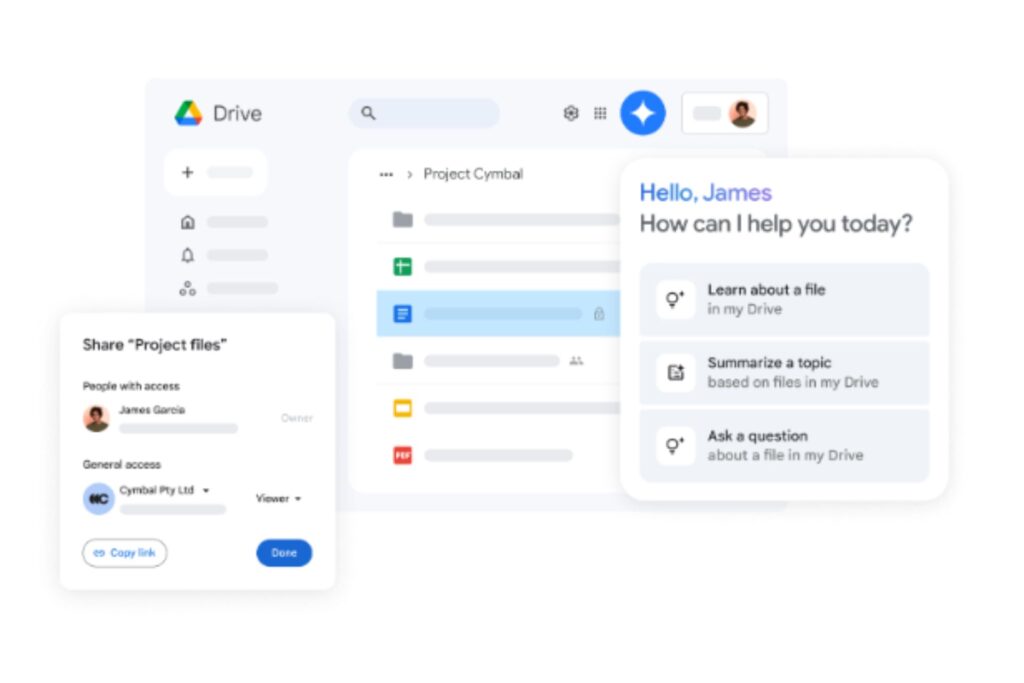
Google Drive is one of the most popular cloud storage platforms, and over one billion people use it for work and personal use. With its deep integration into Google Workspace, it’s often the main choice for those already using Google apps. That alone makes it hard to beat for everyday convenience.
Drive offers 15GB of free storage, allowing you to share photos and files across your inbox. It also features smooth device syncing, handy collaboration tools and new features like searchable video transcripts. Google is constantly updating Drive, making it an attractive option for someone who wants something simple they can use anywhere, whether online or offline.
Pros:
- Great for collaborating in Docs, Sheets and Slides
- A solid free tier for casual users
- Integrates with thousands of apps
Cons:
- Shared storage that fills up fast
- Less ideal for people who don’t use Google apps
2. Dropbox

Dropbox is another solid choice. With over 700 million users across 180 countries relying on it, it can be a great pick whether you’re storing personal files or managing group projects. Its simple interface keeps everything organized in one place.
One of its top strengths is its ability to sync across devices. You can start a project on your desktop, pick it up on your phone and finish it in your browser without skipping a beat. It’s also built with security, offering automatic backup, file encryption and 2FA to keep your data safe.
It allows for editing as well. You can update documents and create signatures in PDFs without extra apps or downloads. The sharing icons also make it easy to know what you’re sending to other users. Managing files feels less like a chore and more like a streamlined part of your workflow.
Pros:
- Easy syncing and backup
- Low maintenance
- Full support
Cons:
- Free storage limited to 2GB
- Paid tiers that may be expensive for casual users
3. Microsoft OneDrive

If you already use Microsoft products, OneDrive fits right into the Microsoft 365 experience, offering access to all your files, photos, apps and more. Plus, it works effortlessly across devices. You can use it on your laptop at home or on your phone on the go. With OneDrive, you can sign up for free to access 5GB of cloud storage, but paid plans start at a low price and offer 100GB in the next tier.
Using OneDrive helps you keep files organized. It automatically backs up everything and curates photo and video collections, so you can revisit your favorite memories. Moreover, it comes with Copilot — Microsoft’s AI-powered assistant that can help you find files, summarize documents and streamline your workday.
Pros:
- Integrates with Windows, Android, IOS and macOS
- Smart photo and video organization
- Copilot for AI-powered productivity
Cons:
- Limited storage space on the free plan
- Best for those already using Microsoft apps
4. iCloud
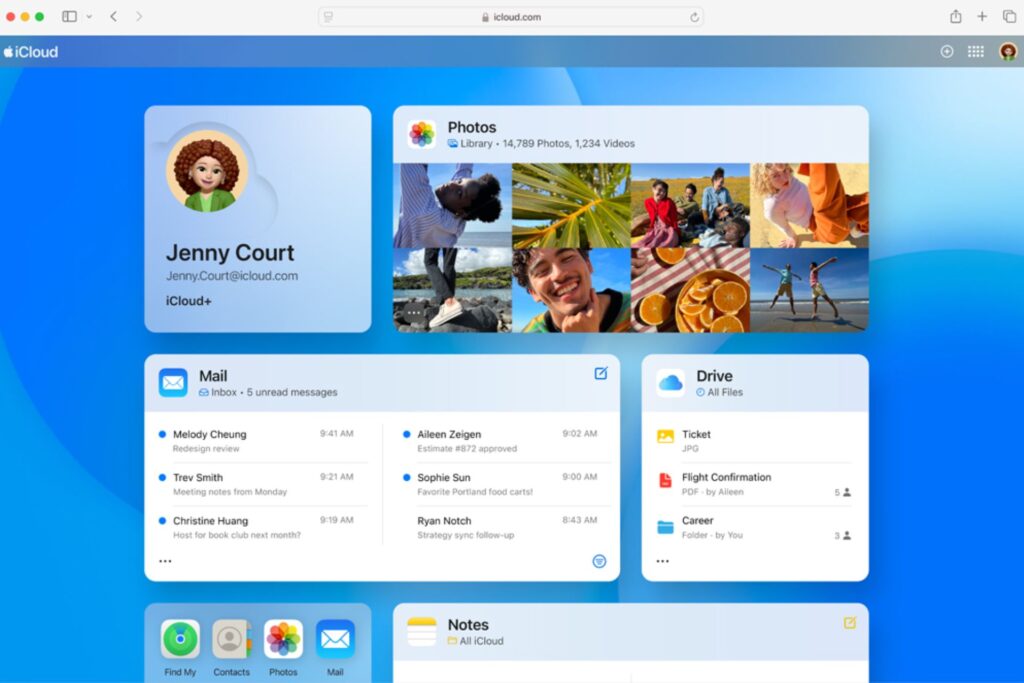
iCloud is likely already part of your day-to-day life if you’re an Apple user. It automatically syncs photos, backs up apps and ensures your files show up where you need them. Because it’s already built into every Apple device, you don’t have to think about using it — it just works.
The free plan gives you 5GB of storage, but it fills up quickly. Yet, for less than $1 a month, iCloud+ bumps up to 50GB and throws in some solid extras, like family sharing, private browsing on Safari and storage for HomeKit Secure video.
Pros:
- Native integration with Apple devices
- An affordable upgrade with iCloud+
- Easy family sharing
Cons:
- Limited free tier
- Less ideal for non-Apple users
5. Sync.com
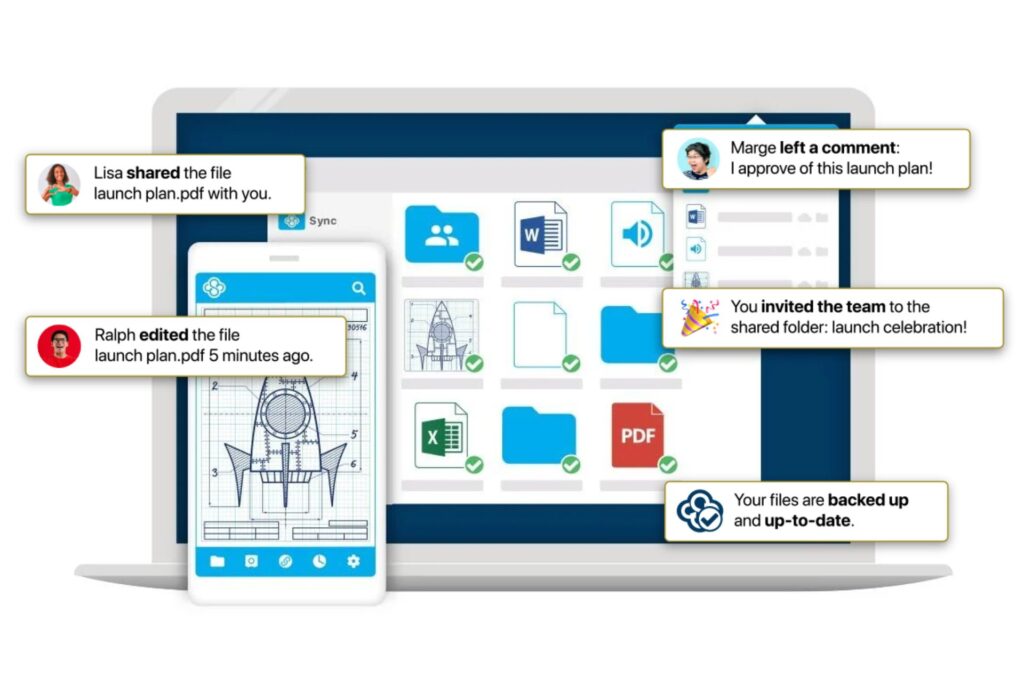
Sync.com is a lesser-known cloud storage platform than the bigger names, but it’s a strong contender. Whether backing up personal files or managing data across a team, Sync.com offers secure, flexible cloud storage.
For individual users, the 1TB plan is a great deal at just $6 a month. It works excellently across Windows and macOS, and there are mobile apps for Apple and Android. It even syncs with Microsoft Office, making it easy to edit and save documents without hassle.
On the business side, admins can enforce 2FA across the company, reset passwords, monitor activity and assign role-based access. This enhanced security is also available through a single dashboard, which is convenient for teams handling sensitive data or remote workforces.
Pros:
- Excellent security and admin controls for businesses
- Affordable personal plans with generous storage
- Syncs with Microsoft Office
Cons:
- Some features reserved for higher-tier plans
- Slower upload and download speeds due to focus on encryption
Frequently Asked Questions
Here are answers to some common questions to help you narrow down your choice.
How Secure Is Cloud Storage?
Cloud storage is very secure, provided you choose a reputable provider and enable key security features. The best platforms use file encryption to protect your data on their servers and 2FA to prevent unauthorized access to your account. For maximum privacy, services like Sync.com offer end-to-end encryption, meaning even the provider cannot access your files. No matter which service you use, your data is always safest when you enable 2FA and use a strong, unique password.
What Cloud Storage Is Best for Personal Use?
The best personal cloud storage is often the one that integrates most seamlessly with the devices you already own. iCloud is the no-hassle choice for Apple users. Google Drive is perfect if you have an Android phone or use Gmail and other Google apps. Dropbox is a great all-around option if you want a simple, reliable service that works equally well on all devices.
What Cloud Storage Is Best for Professional Use?
Professional use prioritizes collaboration, advanced security and administrative controls. Microsoft OneDrive is the top choice for businesses running on Microsoft 365, as it integrates flawlessly with Office apps and Windows. Google Drive excels at real-time collaboration in documents, spreadsheets and presentations. Sync.com and Dropbox are ideal for teams that need robust security features, granular file permissions and extensive third-party app integrations.
How Much Cloud Storage Do I Need?
If you only need to store documents and a few photos, free tiers — usually 5GB to 15GB — are often enough to get started. If you want to back up all your photos and videos from your phone, a plan with 100GB to 2TB is ideal. If you work with large files like high-resolution videos or design projects, start with at least 1TB to 2TB and look for a plan that can scale with your needs.
Streamline and Safeguard Your Files
Ultimately, the right cloud storage provider should make your digital life easier, safer and more organized. A well-chosen platform will safeguard your data, streamline your workflow, and support collaboration with colleagues or clients. By taking a careful, informed approach, you’ll be able to select a service that not only meets your immediate needs but also adapts as your storage demands grow, ensuring long-term value from the best cloud storage solutions available in 2026.
Recent Stories
Follow Us On
Get the latest tech stories and news in seconds!
Sign up for our newsletter below to receive updates about technology trends