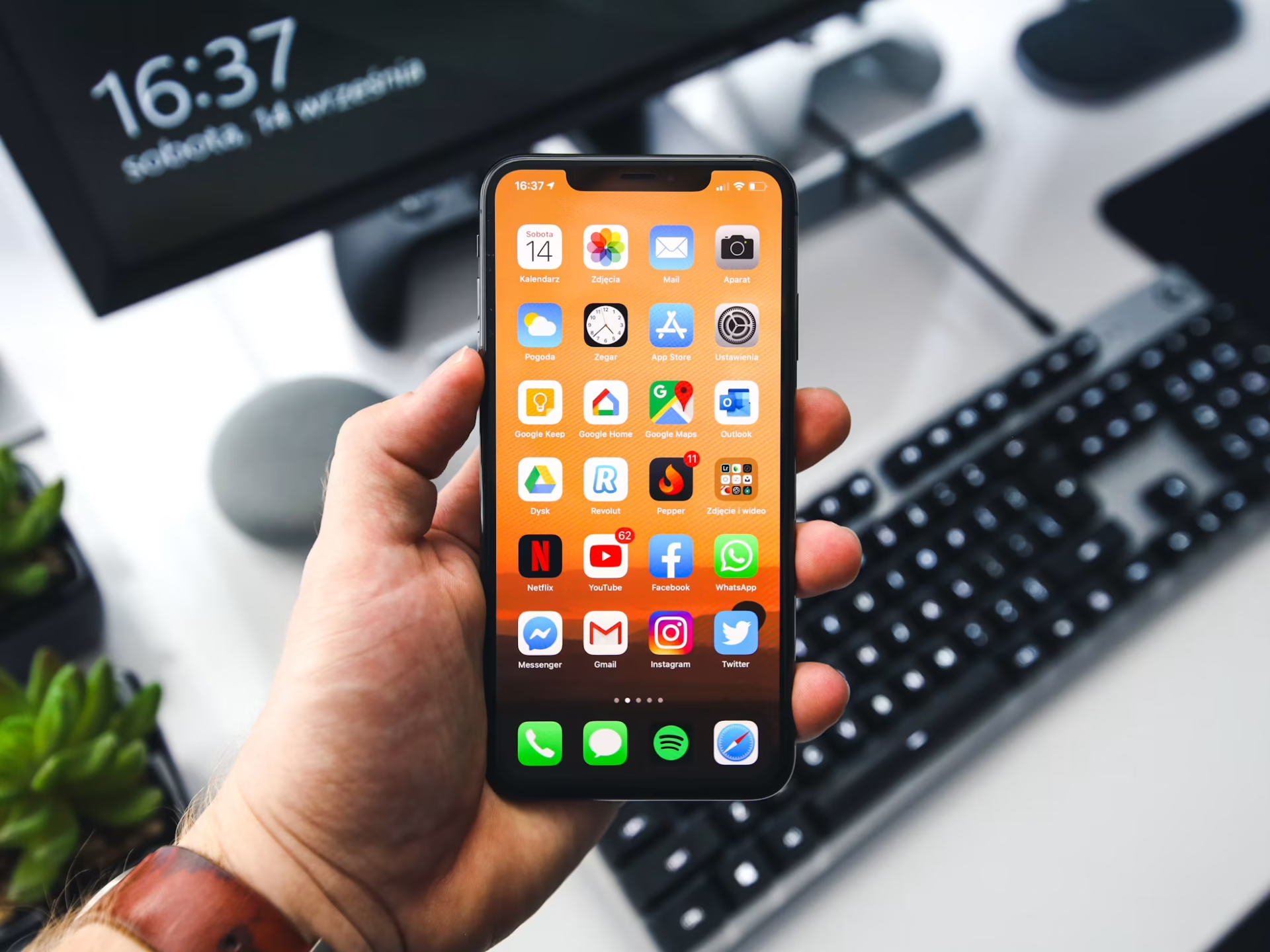
Your phone does everything now — from navigation, listening to podcasts, uploading TikToks and messaging friends. Your battery is inevitably going to get hot one day, which is a sign you’re pushing it to its limit. There are quick ways to cool it down so you can keep using your phone safely. So, how do you cool down your phone fast? Try any of these recommendations, and if you need to, mix and match until it chills out!
The first strategy is to actually know what’s putting the most pressure on your battery. How do you review your phone usage? Note these directions may be different depending on what operating system you use.
Finding this information on Android is extremely easy. All you have to do is follow this path:
Settings > Battery > Battery Usage
After you open this, it will show how much battery each app uses and what times of day you use the most energy. You may notice some apps are always running in the background, using battery even if you aren’t actively using them.
Learning more about your battery is just as straightforward on an iPhone. Go here to find out more:
Settings > Battery > Battery Health & Charging
This functionality shows users maybe more data than they want to know about how much they use their phone. It shows battery levels in graphs and charts, comparing it against activity per app. It also tells you how well it charged last time it reached full battery, giving you an idea of how healthy the battery is overall.
So, now you have insights, let’s figure out how to chill your phone out. Obviously, try not to put your phone in direct sunlight, but what else should you do?
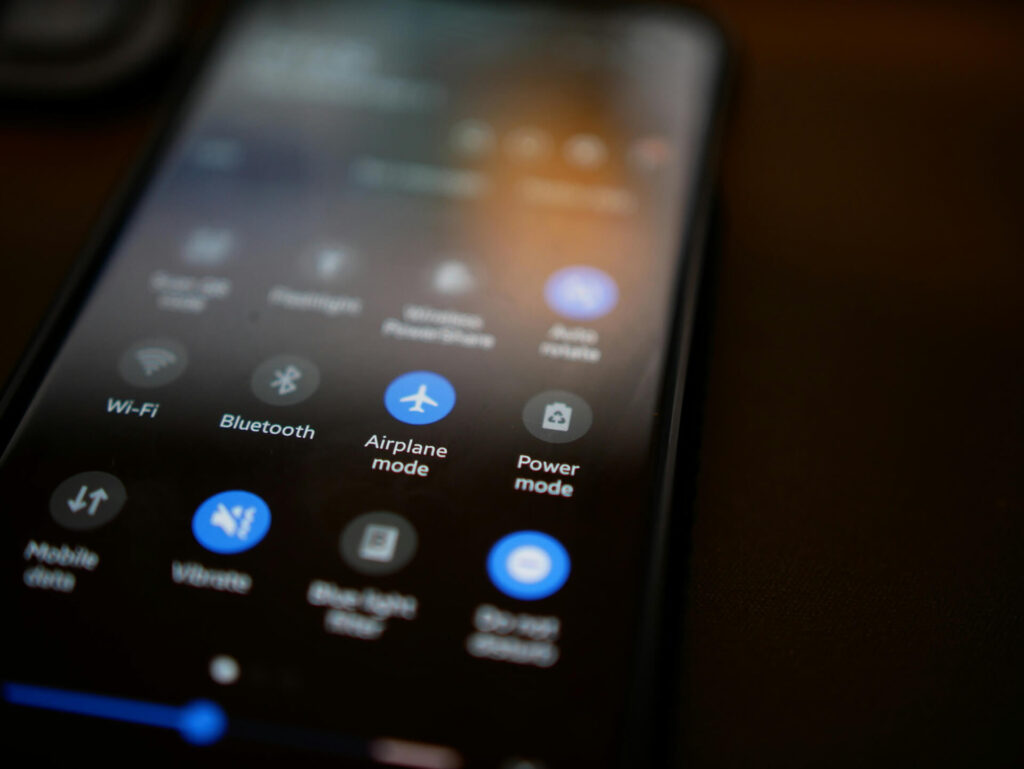
It sounds simple, but it works. If you’re at home, hold it near a standing floor fan, box unit or vent. It may not seem like it’s doing much, but every little bit helps. You can even do this if your phone pops up with an alert while driving. If it has shut down because of too much heat, then you can put it on the floor near vents or have a passenger hold it in front of the air vents.
There are several phone settings that can help and hurt the phone’s temperature. For example, you can adjust your phone’s brightness on how long the screen stays on after being idle. The brighter and longer the screen stays on, the more likely it will heat your battery faster.
Additionally, you should also close your apps. As we discovered, apps run in the background even if you’re not actively using them. If you make a point to close apps and force shut them down so they don’t run in the background, then it won’t put as much strain on the battery.
If you feel the phone heat up out of nowhere, turn it off. Many include an automatic feature that will power it down if it gets dangerously hot, but it is the fastest way to eliminate every influence, making your battery feel like a volcano.
Tons of technological and external influences make your phone hotter. If you disconnect it from factors that fire it up, then it’ll be simpler to keep cool. These are the best actions to take in two seconds or less to turn down the heat:
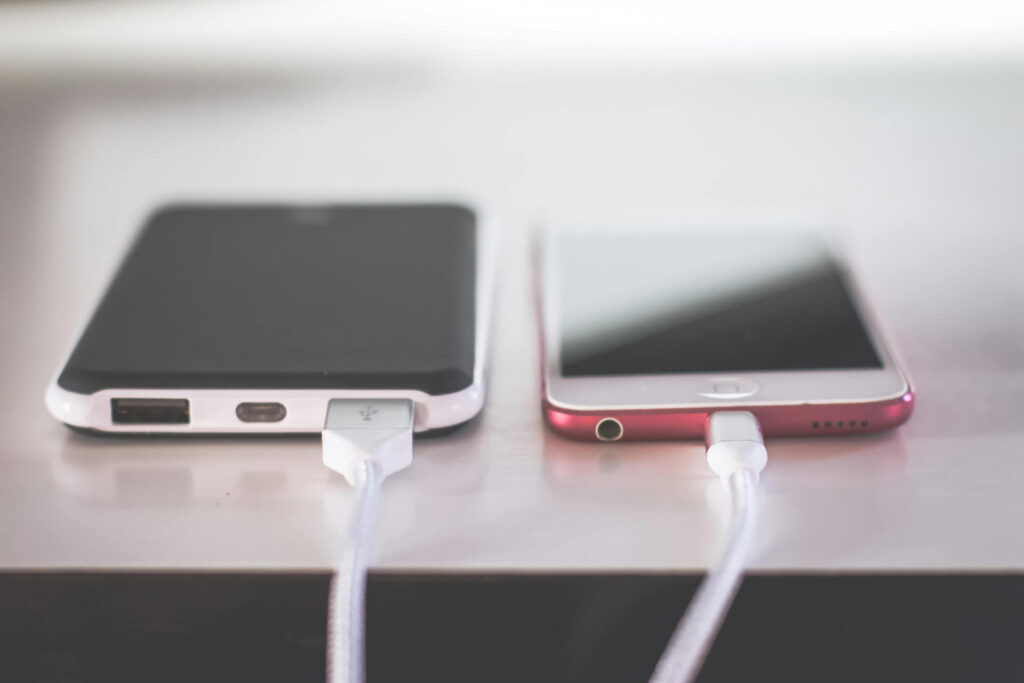
This is especially important in the car. If you have your phone hooked up to a charger while docked under your hot windshield, it will overheat in a split second.
Using battery to update your phone and its apps is frustrating, but it could be what stands between you and an overheated phone. Many app and OS updates include optimizations, such as performance boosts that put less stress on your phone. You may not see massive changes immediately. However, if you don’t install updates, you might feel your battery melt in due time.
Putting your phone in the fridge or freezer sounds tempting for an immediate cooldown. However, experts don’t recommend it — instead, get something less cold and put it on or near the phone.
Why? The intense temperature shift and condensation could cause other electrical problems with the phone, such as shorting. Instead, do what you would do for yourself — take something cold, like an ice pack, wrap it in a towel, and place your phone near it so it doesn’t hit an extreme.
Many phones have an option in Settings to let you operate in Battery-Saver mode when it reaches a certain percentage, or you can use it all the time. What does this setting actually do?
These are some of the most labor-intensive processes a phone can handle, so it’s going to heat up your phone faster than anything else. To cool the phone down, take some time off from using apps that put pressure on the phone’s processor.
As stated previously, separating your phone from charging devices will help cool down the phone. This is true during gaming and streaming too. You don’t want to simultaneously charge and do heavy-duty tasks or it could heat up faster.
Don’t put your phone in a bucket of ice, if that wasn’t obvious — there are tons of smarter ways to chill out your phone battery before it explodes. These are the most sensible, effective options for every phone user. Eventually, you’ll discover how to responsibly use all devices without needing these techniques at all!