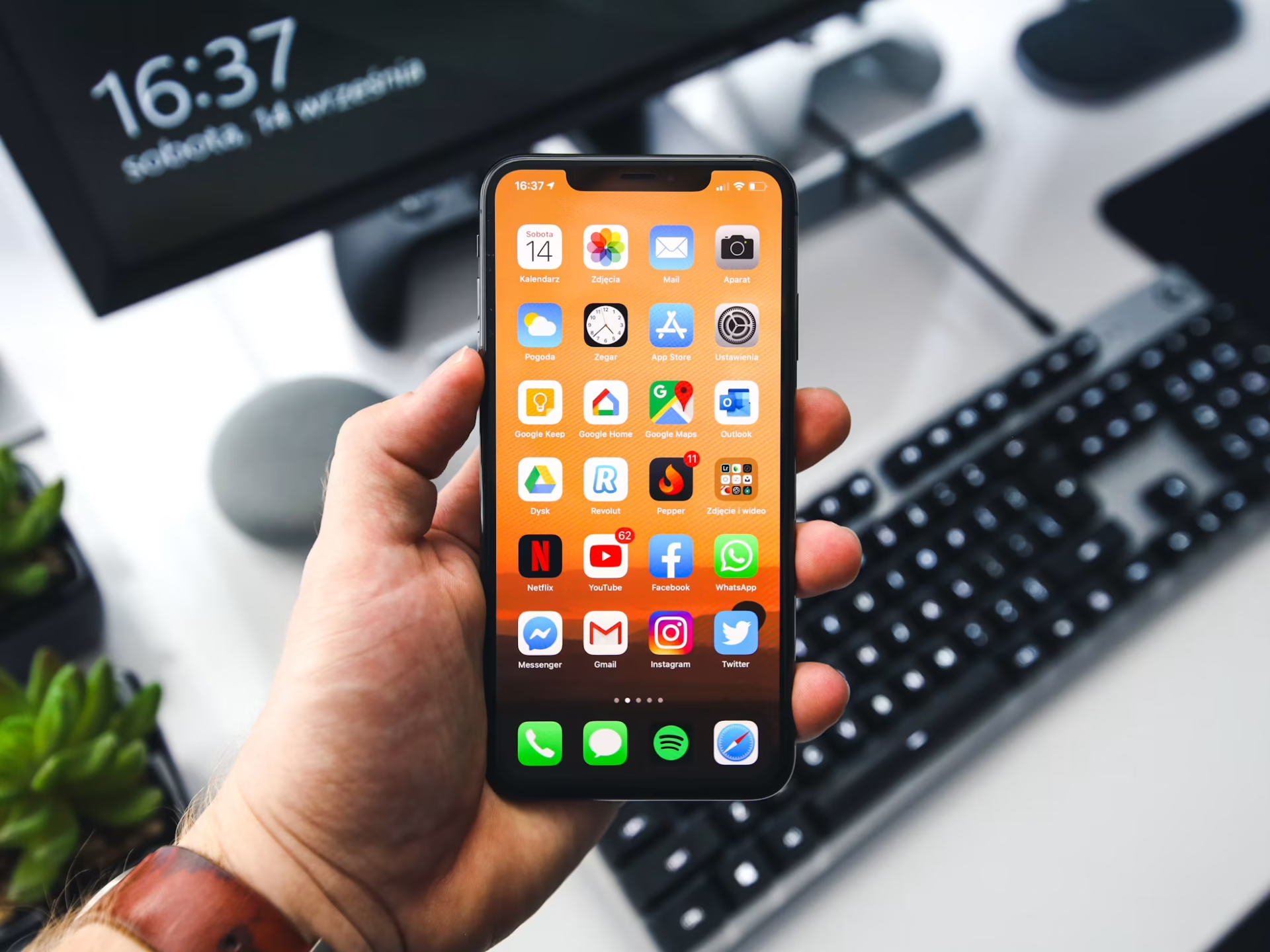
Are you tired of hearing your loud iPhone alarm in the morning? Would you rather wake up to something quieter and less disturbing? Follow this guide to change your iPhone’s alarm volume and create a more appropriate sound to start your day.
You can adjust your iPhone’s alarm volume by following these simple steps:
The third step is not necessary for changing the volume, but it allows you to adjust the volume with the buttons on the side of your device instead of going through Settings in the future. If you went through these steps and don’t notice any change, something else might be wrong with your device.
If the default alarm has gotten too annoying and you want to hear something new, you’re not alone. The generic iPhone alarm has garnered a lot of criticism for its maddening repetitive sound. Follow these steps to change the sound to something more appealing:
With your desired sound effects and appropriate volume in place, you can rest easier knowing that a jarring sound won’t scare you awake every morning.
If you can’t stand the default alarm sound, you probably won’t like the iPhone’s other high-energy sounds either. Sounds like Car Horn, Old Phone and Presto are just as blaring and chaotic, so you need to focus on the more soothing options. These are the best iPhone alarm sounds available:
If you don’t like any sound at all, just lower the volume all the way and your iPhone will switch to vibrate mode. We don’t recommend the vibrate option for those who have trouble waking up, but it can be the ideal solution if you’re a light sleeper.
If the sound options the iPhone provided aren’t pleasant enough, you can use one of your favorite songs as an alarm instead. Here’s how you can change your alarm to a song through the Clock app:
You’ll only be able to hear the first 30 seconds of the track, but that’s better than listening to a generic noise you don’t like. This option also gives you endless possibilities. You can pick any artist, genre or instrument. Just make sure you download it onto your Music Library first!
Although the default iPhone alarm sound has almost universal disdain, many people don’t know how to change them. Use these step-by-step instructions to take control of your iPhone alarm and find something more suited to your tastes.
Everyone deserves to start the day right, and you shouldn’t need to worry about your iPhone alarm volume anymore!