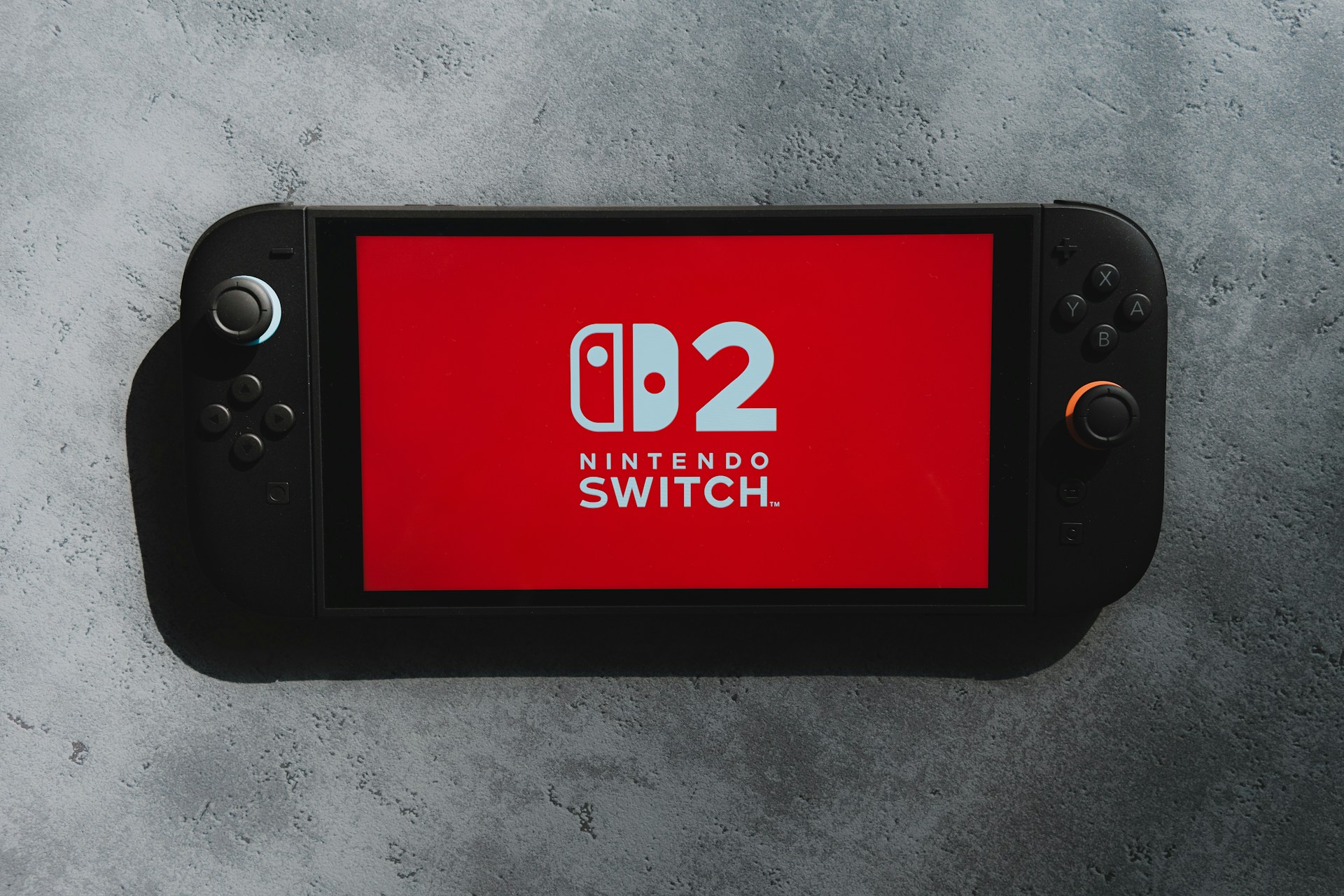
Imagine you’re in the middle of a game and finally get to safety after an intense platforming or combat sequence. You take your hands off the controller to rest for a second, only to see your character wander off on their own and die. What just happened? You’ve been a victim of joystick drift.
Stick drift is an infamous issue on the Nintendo Switch, but all modern consoles experience it. Your controller may seem perfectly fine, but drift makes it seem like one or both of your joysticks are stuck pointing in one direction. So, what causes it, and how can you fix it?
How Do Joysticks Work?
To understand how joystick drift occurs, you first need to know how modern joysticks work. The key to both lies in a device called a potentiometer.
A potentiometer — or, more simply, a pot — is a type of resistor that changes output voltage based on the position of one of its components. It’s the same technology behind volume knobs, and the joysticks in a conventional controller use two of them to give the sticks a wide range of outputs.
As you move the stick, its two contact points — called wipers — move along a conductive element, resulting in varying voltages. The controller then translated the pots’ voltage outputs as coordinates, one for each axis, letting it determine the joystick’s position. This setup allows it to tell not just the direction you push the stick in, but how far you do so, which is handy for precise controls.
What Causes Joystick Drift?
Most cases of joystick drift boil down to an issue with the controller’s potentiometers. Anything that gets in the way of reliable inputs or the motherboard’s ability to interpret them can cause errors. Here’s a look at a few of the most common culprits.
Wear and Tear
Because pots rely on physical contact, they can wear down over time. The potentiometers you’ll find in many controllers today last for roughly 2 million cycles, which translates to around 417 hours of gameplay, depending on how much you move the sticks.
While 400-plus hours may sound like a lot, it’s easy to hit that number over the course of several months. The pots won’t immediately stop working at that point, but some performance issues are to be expected.
Dust and Debris
As with many other electronic issues, grime can play a key role in joystick drift, too. Over time, dust and other contaminants can build up inside your controller, especially near high-contact points like the sticks. That debris can interfere with the circuitry in the controller’s pots.
Remember, potentiometers work by changing the electrical current based on the wiper’s position. Any outside material that gets onto the conductive element will interfere with the signal, leading to faulty outputs.
Factory Error
Sometimes, joystick drift is a manufacturing error. A slip-up in the assembly or calibration process at the factory could leave your potentiometers in poor condition from the beginning.
Some components may be more prone to stick drift than they should be, too. Notably, the issue was so common with the Switch that users filed a class-action lawsuit against Nintendo, although the company ultimately won that case.
Software Bugs
Stick drift can also stem from a software glitch. Your controller’s pots may be in great condition, but it won’t matter if the software that interprets their signals doesn’t work as it should.
As with all inputs, the motherboard in your controller has to translate signals into an interpretable output for whatever game you’re playing. A simple bug in its firmware can lead to errors there, leading to unwanted in-game actions.
How to Fix Joystick Drift
As technical as joystick drift is, you can fix it once you know what causes it. Here are a few options to try out if you notice the problem in one of your controllers.
Update Your Controller
Your first step should be to update your controller’s firmware. Just as a simple update fixes most iPhone problems, it can do a lot of good for any other hardware that’s acting up. It’s also the easiest solution, so it’s a good one to try before anything else.
Check your console’s settings for an available update and follow the instructions to install it if there is one. Even if there isn’t, you can follow your console manufacturer’s instructions to reset the controller to see if that helps.
Clean Your Controller
Next, try clearing some dust and other grime from around your joysticks. Take a can of compressed air and spray it in short bursts near the sticks to clean them. You can also use a cotton swab if the air doesn’t work.
You can also open your controller up to clean the inside, but be careful when attempting this. It may void your warranty, and you risk damaging other sensitive components.
Send It Back to the Manufacturer
Speaking of warranties, if your controller is still under one, the best fix may be to send it back to the manufacturer. You can request a repair on Nintendo’s website for faulty Joy-Cons, and both Sony and Microsoft also offer repairs and replacements for products with joystick drift.
Make sure your warranty is still active before going this route. Keep in mind that it will likely take a while to get your controller back, too, but that’s better than buying a new one.
Replace or Mod Your Joysticks
Finally, you could try modding your joysticks or replacing the pots. This is a complex repair, but it is possible, and there are plenty of step-by-step videos out there for different controller types.
You could also replace the controller entirely, although that’s not the ideal solution. Still, if you’d like a new one anyway, look for one with Hall effect joysticks, as these don’t use physical contact to determine stick placement, making them less prone to drift. Many of the best game controllers available, like the GameSir G7 SE, have Hall effect sticks.
Joystick Drift Is an Annoying But Fixable Issue
Joystick drift is frustrating, but once you know where it comes from, you can learn to fix it. Regular cleaning and gentle use will help prevent it, and a deeper clean, mod or replacement can help if drift rears its ugly head. As more companies move toward Hall effect sticks, this issue will become less prominent, but until then, you can follow this guide to stay on top of it.
Recent Stories
Follow Us On
Get the latest tech stories and news in seconds!
Sign up for our newsletter below to receive updates about technology trends