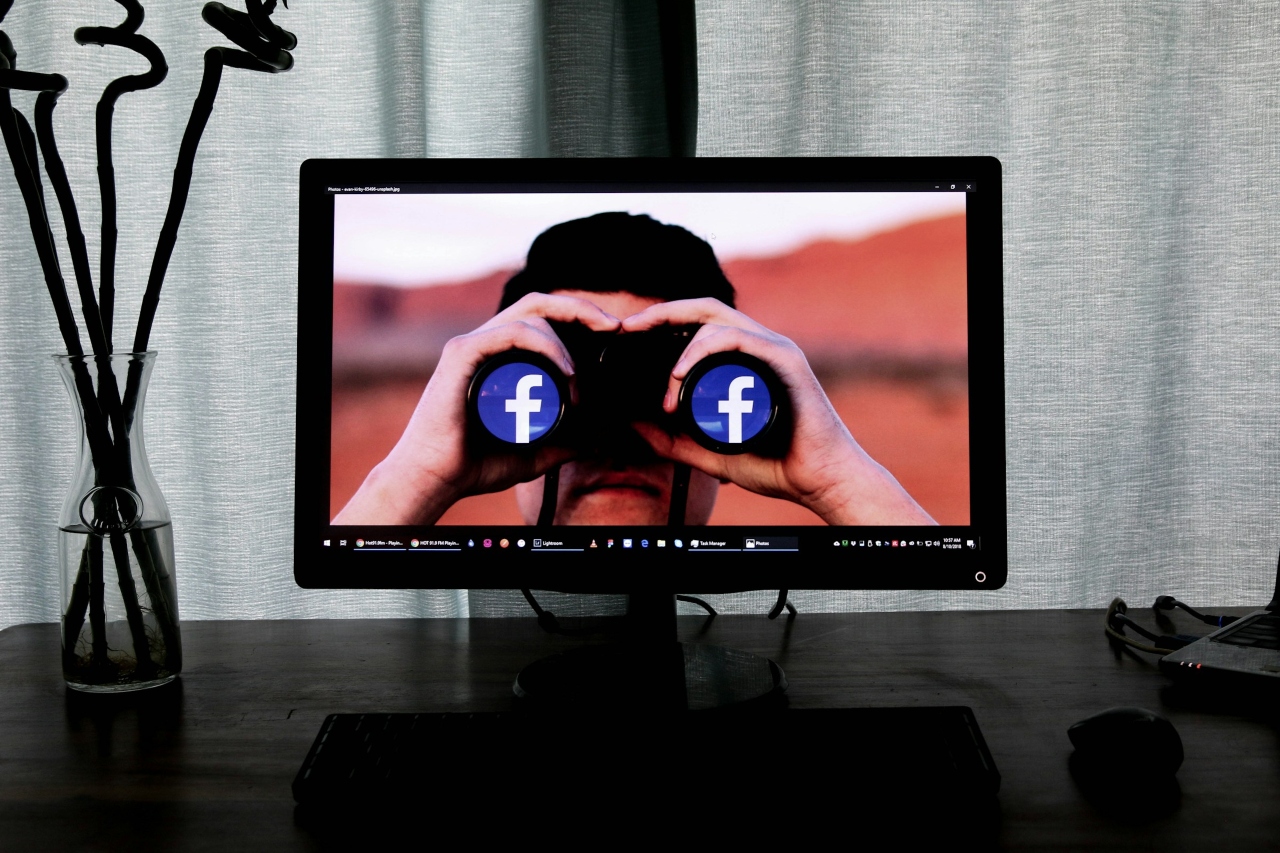
Reasons to block someone on Facebook can range to an argument with a friend, needing a digital break from toxic comments or protecting yourself or your loved ones from someone dangerous. You might also want to block certain people to keep your business and private life separated. Blocking is fairly straightforward, but you also need to know how do you unblock someone on Facebook should circumstances change.
When you block an individual on the social media platform, you cut them off from you completely. It’s as though you no longer exist in that sphere and vice versa. You can’t see their posts and they can’t see yours. You won’t be able to tag each other, see group activity or connect via Messenger. If you’re setting healthy boundaries, a digital divide can be necessary.
In a study published in the Journal of Telematics and Informatics, researchers looked at the psychological and cognitive traits of blocking behavior on social media. They discovered blocking someone on Facebook is more than a technical impulse. It is a response to emotional and/or psychological triggers. Reasons can include harassment, feeling confronted over ideological beliefs, avoidance of drama and emotional burnout.
Another reason many people block others on Facebook relates to falsehoods perpetuated by media outlets. Around 71% of Americans get news from social media, so it computes that they want to avoid untruths.
Although blocking is useful, it doesn’t have to be permanent. After a period of time or reconciliation, you may want to unblock the person after reflecting or mending the relationship offline. You will have to unblock and then send a friend request or accept theirs to reconnect.
You can block and unblock people from your computer, tablet or smartphone. For example, if you’re with a group of friends. An acquaintance was sharing your posts and making fun of you, so you stopped them with a block. Now, they’ve approached you with a sincere apology for their behavior and explained what they’re doing to ensure it never happens again. You decide to give them a second chance, because you are that type of person.
Finding the right spot to unblock may be challenging at times, depending on the device you’re using. Keep in mind that Facebook often changes its interface. If any of the instructions below mismatch to your current screen, look for the words in your menus to find the right path to restore the person’s ability to see your account. Follow these steps to unblock them on the spot.
With around three billion users on Facebook, you’re sure to encounter some unpleasant situations. If you block someone on Messenger, they aren’t automatically blocked on Facebook. You can keep someone from messaging you and still remain friends. One example might be your cousin who just got into an MLM marketing company and keeps sending you messages about joining. You can keep them from messaging you privately without cutting family ties. To avoid hurt feelings, just tell them you aren’t accepting messages at this time because it is too time-consuming to go through them all.
One way to avoid going through the steps of blocking, unblocking and possibly blocking again is to set healthy boundaries for yourself and others. For example, creating work relationship boundaries can increase productivity and avoid creating a toxic company culture. Instead of blocking someone, inform those in your circle you will not respond to Messenger requests from coworkers at this time because you need to focus on tasks.
If a friend or family member sends you something you don’t like or tags you in posts you disagree with, warn them that you will block them if they continue. Facebook has a feature in the feed where you can indicate you want to see less of things a person posts. When looking at a post on your wall, click on the three dots to the right of the person’s profile name. Selection interested or not interested to see more or less posts of the same nature.
You can also snooze posts from the individual for 30 days, which can be helpful during a volatile election cycle. You can also choose to block a person via this feature but to unblock you will have to follow the steps listed above and go into your settings.
While a person isn’t notified if you block or unblock them, should they try to visit your profile, they’ll likely figure it out. It’s best to think carefully about the ramifications of online relationships and how they impact real life situations. If you block a coworker, they may be hurt and lash out at the office. If you unblock a family member, they may take it as a signal to repeat the past behavior that created the issue in the first place.
Blocking/unblocking can be a powerful Facebook feature to protect your peace of mind and privacy. Think carefully before using it but know that anything is reversible in your settings if needed.