Everyone talks about how fast you can ship with vibe coding — and they’re right, it’s fast. What they leave out is what the weeks after look like, involving a bug fix that creates two new problems, a feature request that means rewriting half the app and a handoff where nobody can follow how anything is built. That’s the side of AI-generated code that almost no guide prepares you for.
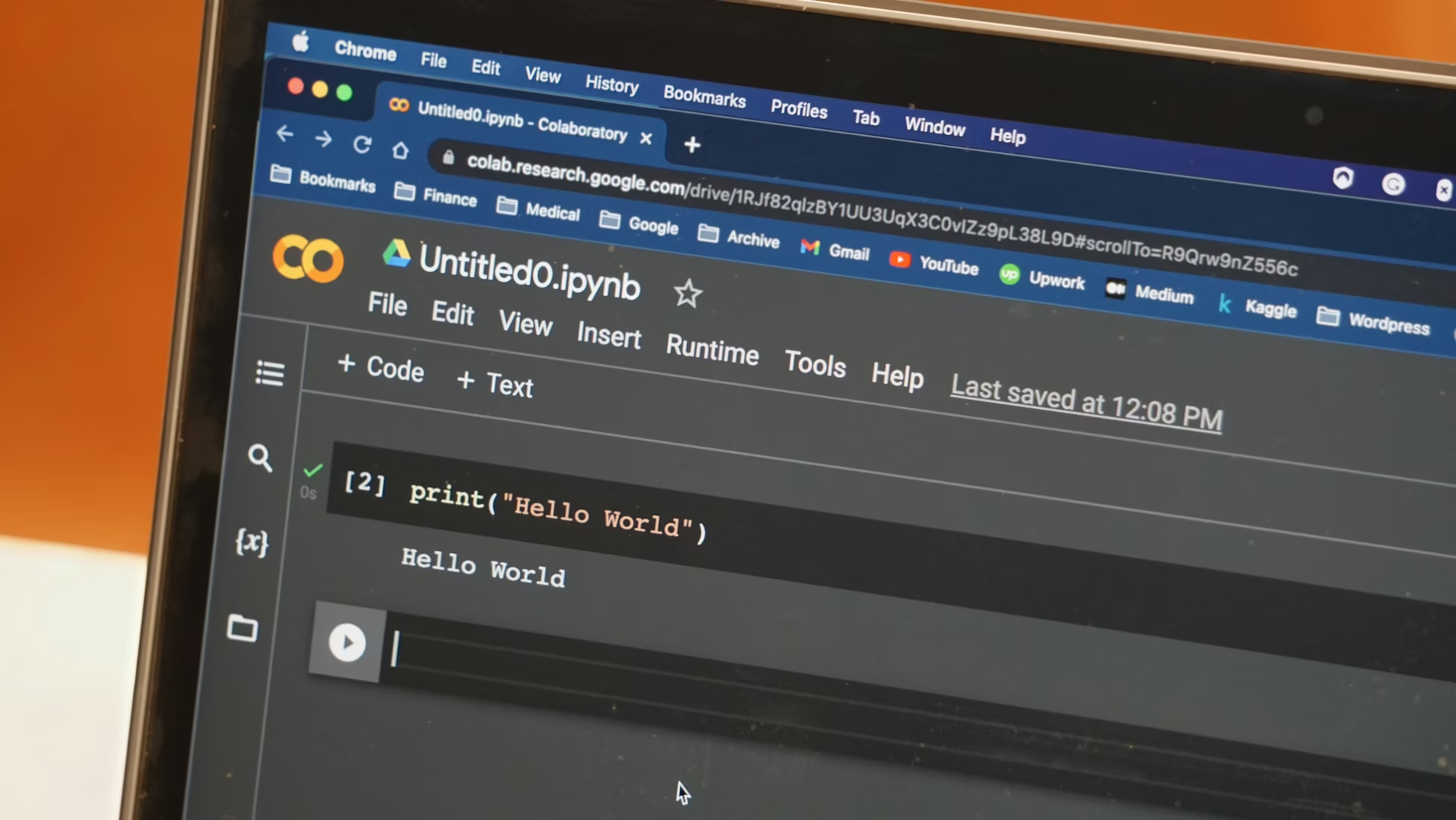
Vibe coding means describing what you want in plain language and letting an AI tool generate the code. You guide the direction and the AI handles the syntax. Tools like Cursor, Copilot and Replit Agent have made this workflow accessible to people with no traditional programming experience.
The results speak for themselves. You can build functional apps and automations in a fraction of the time it would take to hand-write everything. Generative AI as a whole is reshaping industries at a remarkable pace and experts predict it could contribute up to $4.4 trillion annually to the global economy. The horsepower behind these tools is measurable.
The problem is that almost the entire conversation around vibe coding stops at the shipping moment. Tutorials celebrate the speed, Twitter threads show off the finished product and what gets left out is the part where you actually have to live with the thing you built.
The standard advice for debugging a vibe-coded project sounds almost too easy — copy the error message, paste it back into the AI and let it propose a fix. For surface-level stuff like a missing import or a typo in your config, that can work.
Real bugs are messier than that, though. Your app might silently return incorrect data or a feature might work fine locally but fall apart in production. Other times, the error message points you to one file, but the actual cause is buried somewhere else — in a function the AI wrote two weeks ago that you never looked at.
When the issue isn’t a clean crash, pasting the error back in tends to create a frustrating loop. The AI suggests a change. You apply it. A different thing breaks. You paste that error. The AI undoes its earlier fix. An hour goes by and the original problem hasn’t budged.
This situation happens because the AI doesn’t carry a mental model of your entire application. It’s reacting to a narrow slice of context. When the bug involves tangled dependencies across multiple files — and in real software, it usually does — that narrow window isn’t enough to land on a real fix.
The most reliable move at this stage is to slow down and start reading. You don’t need to grok every line, but you do need to trace the data flow and identify where information enters and where it ends up.
Every codebase picks up technical debt over time, such as duct-tape fixes and “we’ll clean this up later” decisions that make the whole thing harder to change. AI-generated code is no exception, but the debt tends to hide in places you wouldn’t think to look.
An AI doesn’t go back and clean up its earlier work. Ask for a login system on Monday, then a dashboard on Wednesday and the AI builds each one as if the other doesn’t exist. It will not reorganize what it has already written or remove parts that are no longer needed. After a few weeks, your project runs, but the internals are a mess — repeated code across multiple places, inconsistent naming and parts connected in ways that are hard to follow.
You notice this the moment you try to add something new. A small change can clash with the way the AI originally set things up. Instead of fitting in, the update forces changes across several files, and each of those can break something else that depended on the old setup.
At some point, many vibe-coded projects reach a stage where you need another pair of hands. It could be a collaborator, a freelancer for a specific feature. This is usually when the rough edges of the codebase become hard to ignore.
When a developer writes code by hand, they tend to organize it in predictable ways. Files go where you’d expect, names follow a pattern and there’s a general logic to how everything is laid out, even without written documentation.
AI-generated code doesn’t always work that way. The AI might structure one feature one way and handle a similar feature completely differently in another file. For someone new coming in, it’s a lot like picking up a group project where nobody coordinated beforehand.
The only real fix is unglamorous — someone has to sit down and write out what’s there. It takes time, but without that kind of map, the project stays a one-person operation by default.
There’s a point in the life of a vibe-coded project where you realize the AI can’t get you past what’s in front of you. Maybe the bug is too layered for it to diagnose from an error message alone, or you need to decide how the app should be organized going forward — the kind of call that prompting won’t answer for you.
Almost every serious vibe coder hits this wall eventually. You don’t need to become a software engineer overnight, though. What helps most is picking one thing to understand well, like how your app moves between pages or how it pulls data from the database. You’re not learning programming from scratch. You’re learning to read the specific project you already built, which is a much shorter path.
This scenario is where vibe coding becomes more than just a shortcut. The project you already have gives you real context and that context makes learning click faster than any tutorial would on its own.
Shipping with AI is a real accomplishment and the accessibility of vibe coding deserves the enthusiasm it gets. However, the projects that survive past launch week are the ones where the builder stuck around to understand what they actually created. Speed gets you to version one. What keeps you going is the willingness to look under the hood.