Are you curious to learn how to clean monitor screen quickly and effectively? You only need a few materials and proper know-how to keep your electronics safe and ready for another session of meaningful work or casual entertainment. Here’s our step-by-step guide to cleaning delicate monitor screens and a few helpful tips.
Many monitor manufacturers advise users to turn off their devices before cleaning. Powering down electronics prevents unwanted electrical injuries and damage to screens. Some people feel safer cleaning their electronics by unplugging them completely.
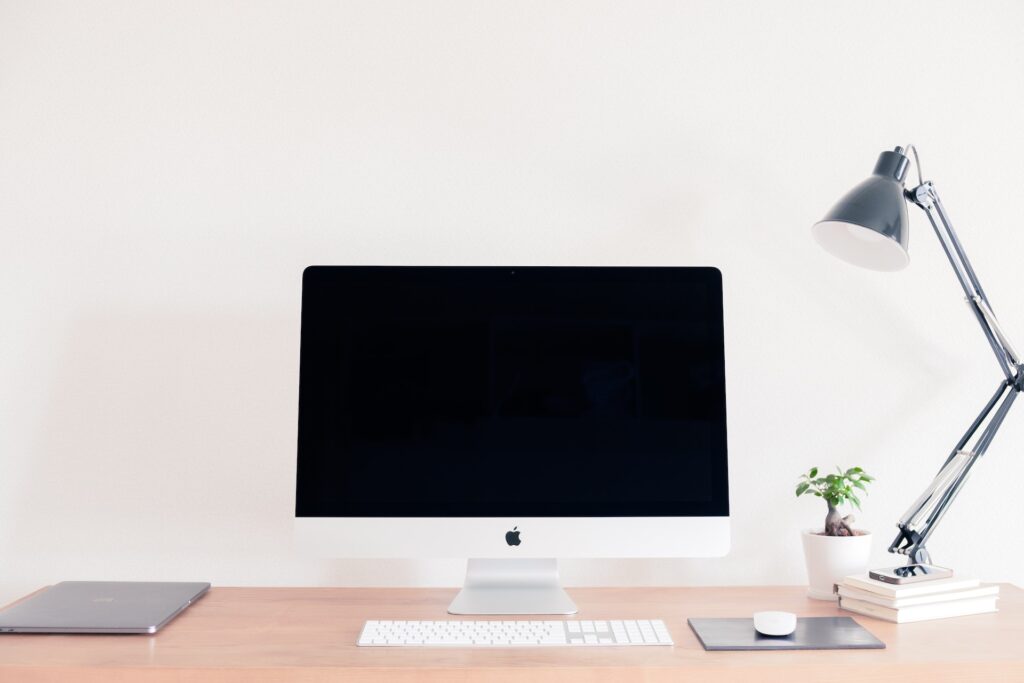
Turning off the monitor screen lets you easily spot dust, stains and smudges. Black surfaces are quicker to work with since it’s easy to miss specks like lint in other colored surfaces.
Bonus Tip: Some manufacturers recommend letting the monitor cool down before cleaning them. Waiting for 15 minutes would suffice.
Grab a clean microfiber cleaning cloth and wipe the monitor screen gently. Start from one side to the other in long, sweeping motions. It’s best to do this slowly, as modern computer screens are more sensitive than traditional glass-screen monitors. Start from left to right or vice versa, then top to bottom. Always work in one direction and never use a circular motion when wiping. This can introduce swirl marks, a common occurrence in cleaning cars.
Microfiber cloths are soft and smooth and quickly lift dust, lint and other particles with tiny micro-bristles. It’s best to dry-wipe any monitor screen to remove particles that can lodge into corners and bezels when wet. Electrostatic dusters also work well with monitors and other screens since they can pick up particles effortlessly.
Bonus Tip: Microfiber cleaning cloths come in packs. Save a little money by buying multiple packs at a time. Using different cleaning cloths for dusting, wiping and drying will help prevent scratches from rogue particles like sand or metal slivers.
Drinking and eating while working or playing in front of a computer is common for millions of people. It’s a relatable experience because staying comfortable at home or even in workspaces is so easy. However, this can open up monitor screens to stubborn dirt from oily fingers or the occasional drink or food splatter.
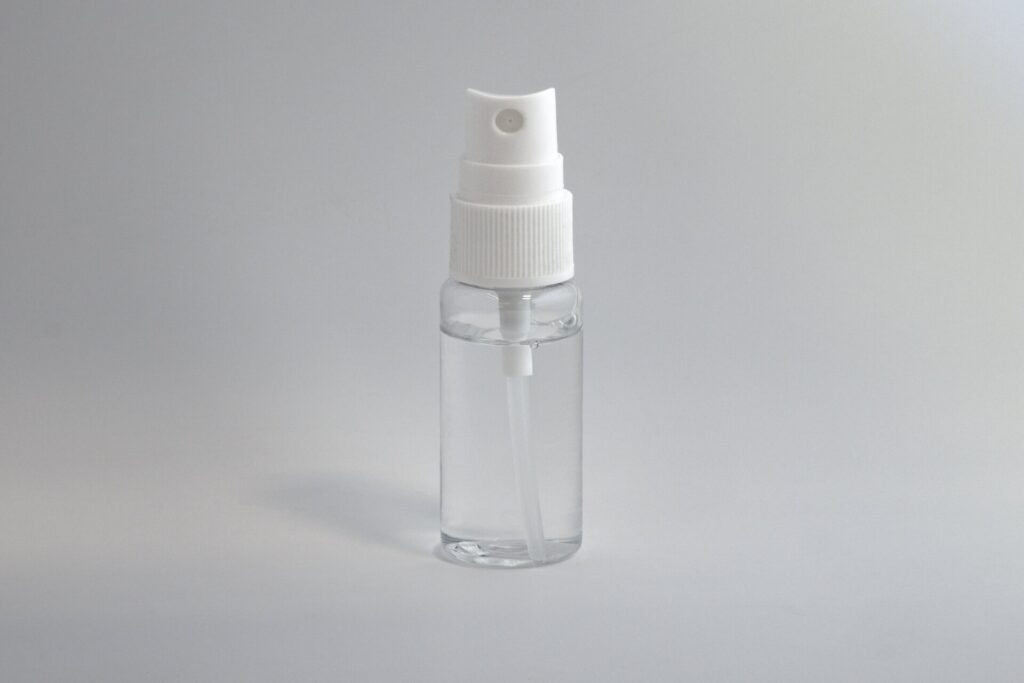
Grab a spray bottle and fill it with distilled water. Spray a small amount on the fresh side of your microfiber cleaning cloth and spot-clean any stain you spot. Be gentle and remember to dab the cloth lightly on the screen. Extra pressure or repeated wiping can easily damage monitor screens.
Bonus Tips: Avoid spraying directly onto monitor screens as moisture could get in between the tiny openings of the bezel and damage the electronic components within. Manufacturers explicitly warn against spilling liquids on electronic devices to avoid damage. Use distilled water instead of tap water when cleaning monitor screens. Regular tap water often contains minerals and other contaminants that can leave streaks on monitor screens or scratch them.
After spot-cleaning tough stains or particles on your monitor screen, wipe it again with your microfiber cloth. Grab a dry, fresh one or fold your cleaning cloth and use the dry side. Remember to start from one side to the other or top to bottom to avoid scratches and swirl marks. Maintain a long, gentle sweep from one side to the next to remove streaks and spots you may have missed.
It’s also good to wipe other parts of your monitor, like the top, back and sides, to remove dust and other particles. While at it, clean the monitor stand or support arms using a spare cleaning cloth. You can also choose to deep clean your monitor by using a can of compressed air to blow out stuck dirt and dust between bezels and button cutouts.
Bonus Tip: Disinfect your peripherals like keyboards, mouse and speakers after cleaning your monitor screen. Maintaining a routine cleaning schedule will help keep your workspace clean and organized. Knocking off tasks on your to-do list in batches allows you to prioritize according to importance and urgency.
Electronics manufacturers recommend drying your gadgets after cleaning. Letting your devices dry before turning them on or plugging them back in will help avoid electric shocks and damage. Wait 15 minutes or more to ensure all the excess moisture is gone and you’re ready.

Investing in top-of-the-line monitors is an excellent way to reward yourself for giving your best at work. However, it’s up to you to keep everything in your workspace spic and span. Learning how to clean monitor screens at home or work is a healthy habit that pays dividends in the long run. Take care of your device and they’ll remain in good shape for years.